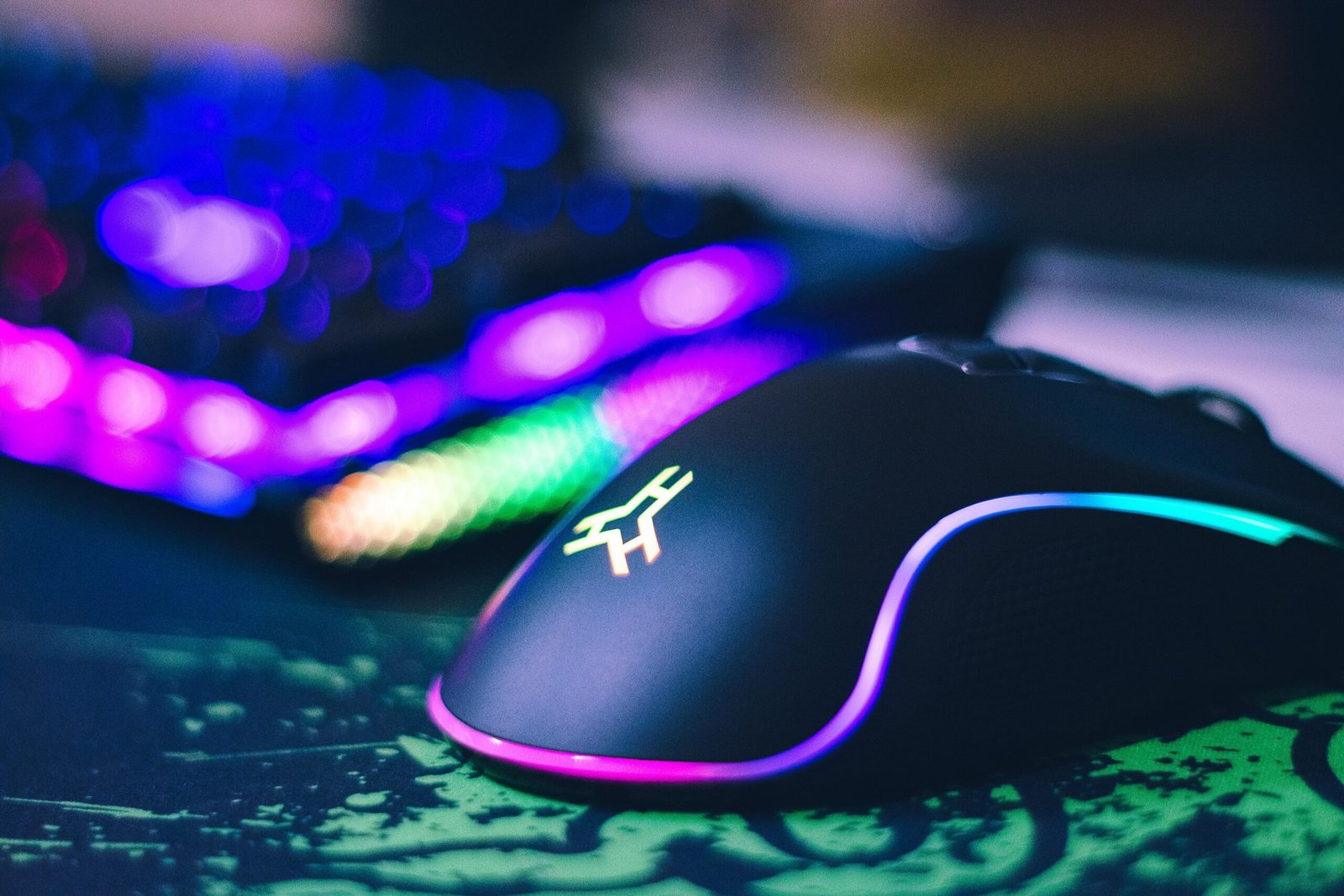
If you’re looking for a new gaming mouse, you’ve probably looked at all of the options out there–maybe you’ve made up your mind. Before you pull the trigger, you’ve got to take a look at the list below, which covers some of the most common mistakes made when buying a gaming mouse. It may even save you from making a bad decision.
1. Don’t fall for marketing fluff
Just because a gaming mouse like the Logitech Pro X2 Superstrike has a maximum DPI of up to 44,000, it doesn’t mean it’s any better than one with a DPI of 3,200. Manufacturers have been hyping up mouse sensitivity for a while now, but truth be told, it doesn’t make much of a difference beyond a certain point. You can just as easily play and win with a mouse that has 12,000 DPI as you can with one that’s maxed out to 40,000+ DPI.
The same goes for polling rates. Tests show that mice running at 4,000 Hz or 8,000 Hz are only a few milliseconds faster than those running at 1,000 Hz. Even then, it’s unlikely human reaction speeds are fast enough to take advantage of that difference. So, it’s important to not get caught up in the marketing hype.
2. Getting hung up on weight
A lot has been said about mouse weight and how gamers are looking for the lightest mice they can find to improve their movement speed. But truth be told, anything below 80 grams feels kind of similar and won’t make much difference. That is, unless you go for the extremely lightweight chassis of the 49-gram MM720 by Cooler Master, which really feels like you’re moving air.
Even more important than overall weight are the balance adjustments manufacturers are building into lightweight mice these days. Be sure to scan the marketing materials for any mention of those.
3. Wired mice have pros and cons
It’s safe to say that in 2025, wireless mice have no compromises compared to wired mice when it comes to input lag and click latency. In fact, multiple studies show that wireless mice actually outperform wired ones. That’s as long as you use the 2.4GHz signal rather than Bluetooth, which can also compete with wired mice on speed.
That said, wired mice still have advantages. Some of them are cheaper, lighter, and don’t require charging.
Pexels: Andrey Matveev
4. Check the size
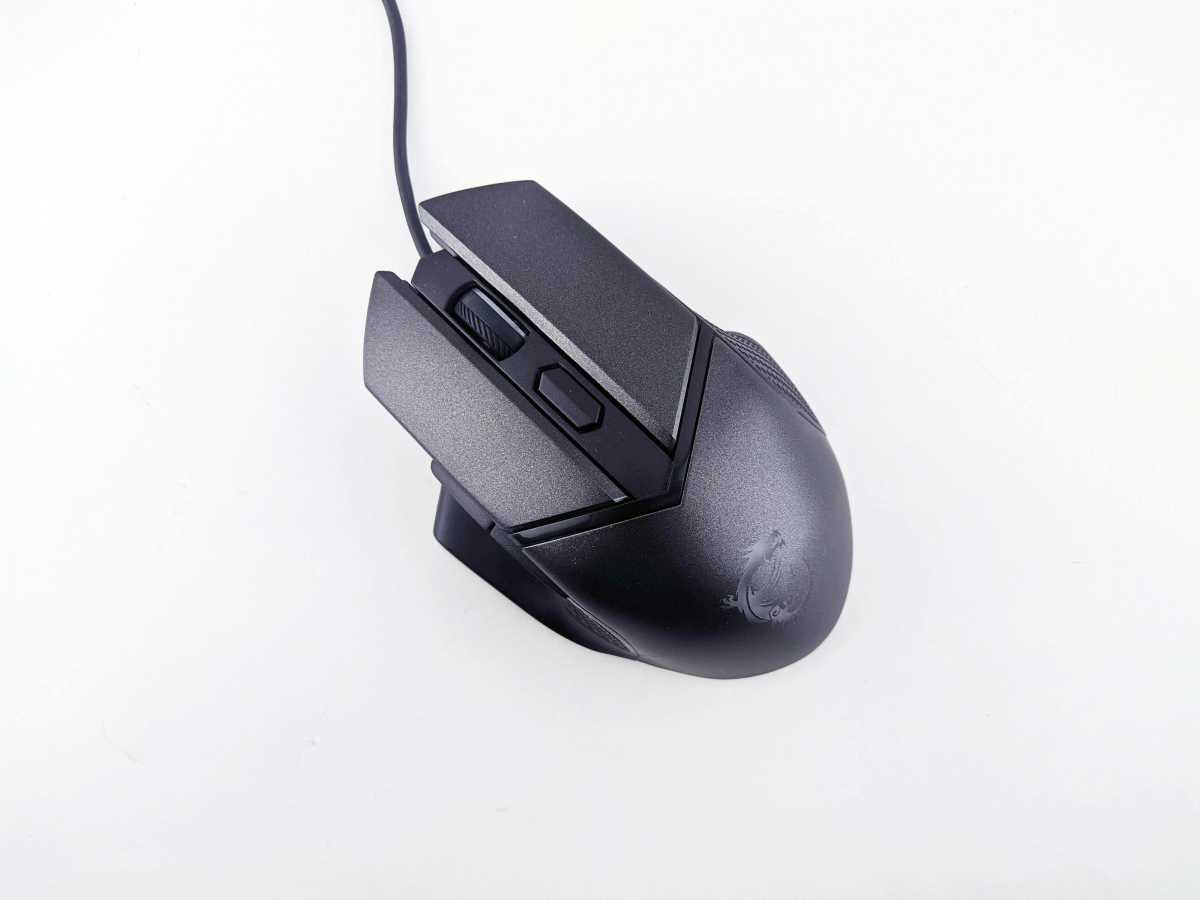
There are a heap of different designs out there, so assuming a mouse will fit your hand, match your grip style, and feel comfortable can often lead to a mismatch.
You should measure your hand against the mouse’s dimensions and read up on the latest reviews. You can also check out online size charts like the one from Rocket Jump Ninja to get a better understanding.
5. More features isn’t always better
We tend to think more is always better, but that’s not always the case when it comes to gaming mice. Just because a mouse has a gyroscope or a 12-button hot-swappable side plate doesn’t mean it will be more competitive. That’s especially the case if you don’t see yourself using those features. You may as well save $50 on the purchase price and buy a cheaper one.
I remember getting sucked in by a big MMO mouse with 20+ buttons only to find out later that I never used half of them. Now I’ve swapped to a minimalist Razer Cobra Pro for most of my gaming needs and couldn’t be happier.
Related content:
This articles is written by : Fady Askharoun Samy Askharoun
All Rights Reserved to Amznusa www.amznusa.com
Why Amznusa?
AMZNUSA is a dynamic website that focuses on three primary categories: Technology, e-commerce and cryptocurrency news. It provides users with the latest updates and insights into online retail trends and the rapidly evolving world of digital currencies, helping visitors stay informed about both markets.
