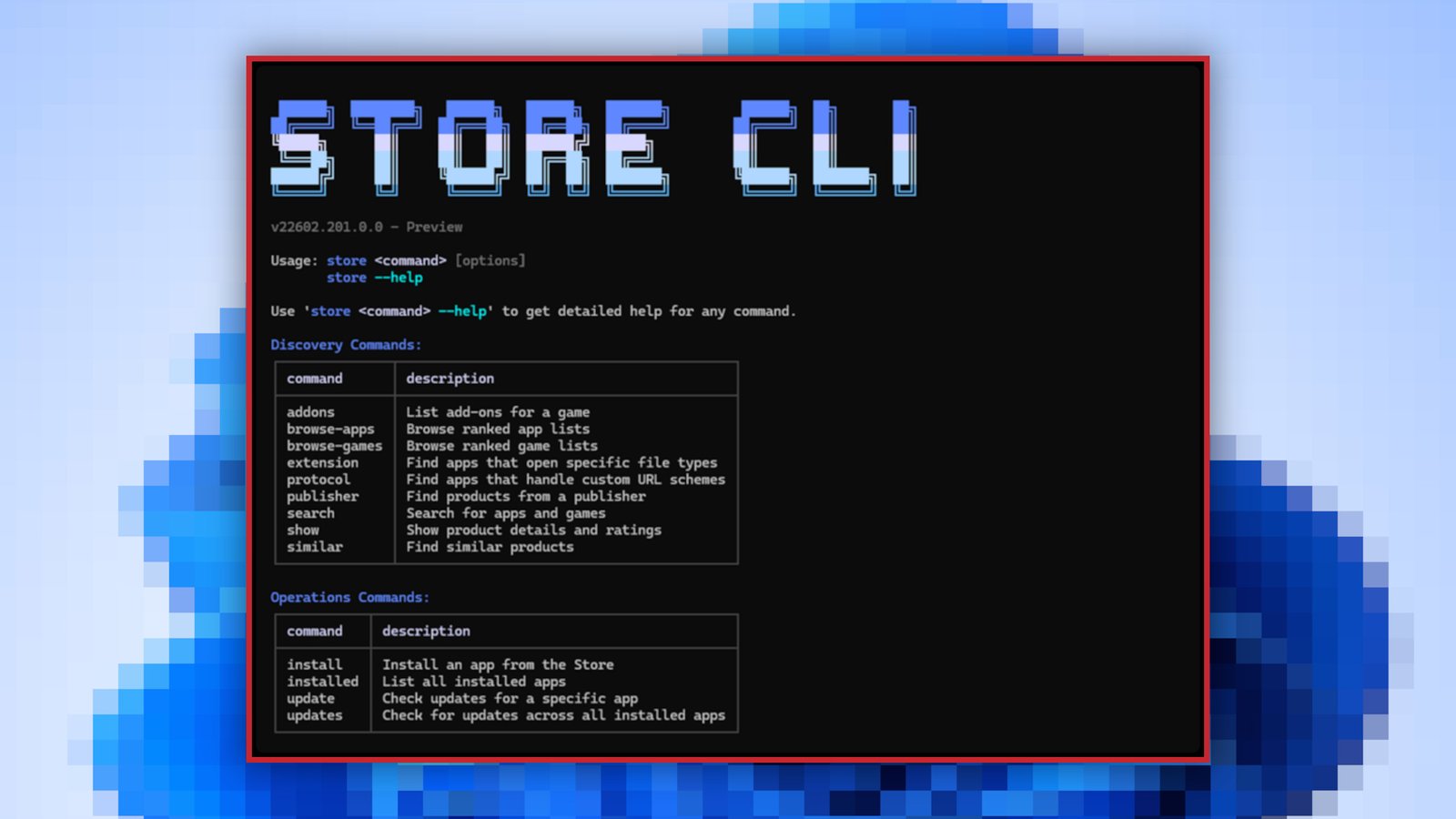
If you think there’s too much unnecessary clutter in the regular version of the Microsoft Store app, there’s now a new way to manage your Microsoft Store apps on your Windows PC. According to a Windows Developer blog post, Microsoft is introducing a command-line interface for the Microsoft Store for devs and power users.
The Microsoft Store Command-Line Interface (or Microsoft Store CLI) eschews the graphical user interface in favor of letting you manage the app store’s functions using simple text commands.
With store browse-apps, you can sort, search, and filter the Store catalog to find the apps you need. With store install , you can install and deploy apps. With store update , you can update an existing app to the latest version. See more with store --help.
Unsurprisingly, the new Microsoft Store CLI is only available on systems that have the Microsoft Store enabled.
This articles is written by : Fady Askharoun Samy Askharoun
All Rights Reserved to Amznusa www.amznusa.com
Why Amznusa?
AMZNUSA is a dynamic website that focuses on three primary categories: Technology, e-commerce and cryptocurrency news. It provides users with the latest updates and insights into online retail trends and the rapidly evolving world of digital currencies, helping visitors stay informed about both markets.
