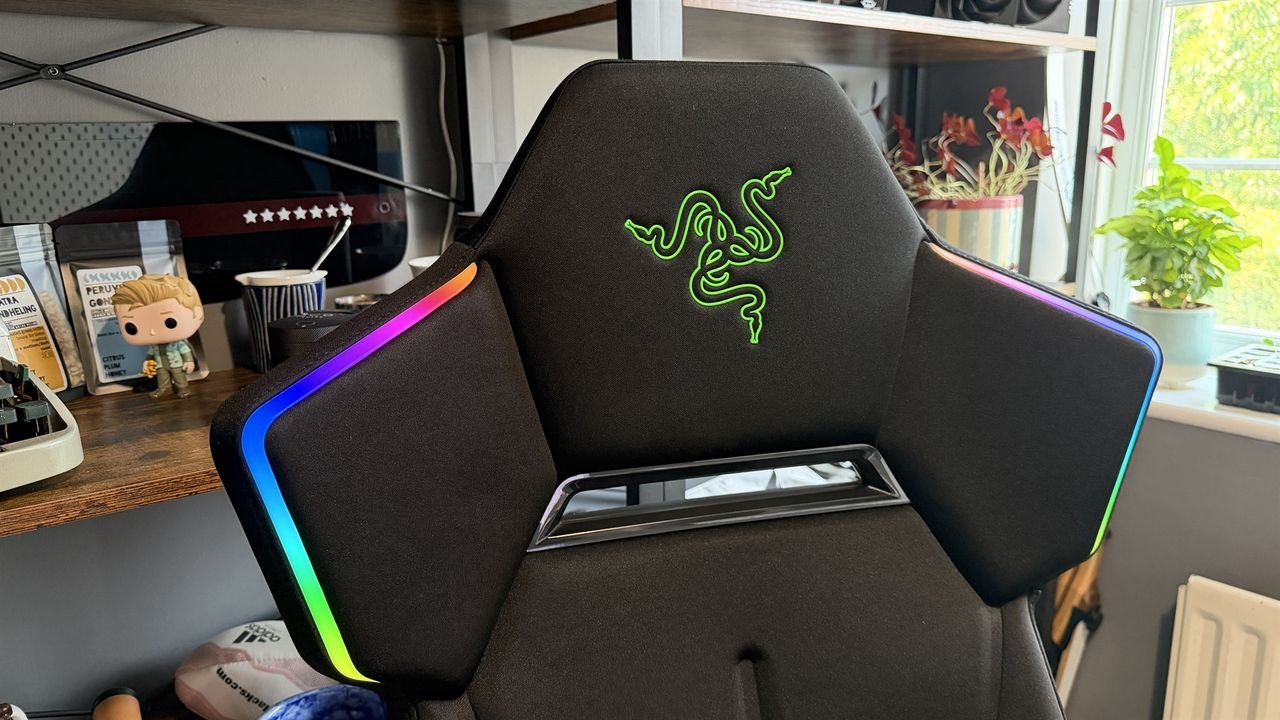
Razer Soma Chroma: One-minute review
I’ve reviewed a lot of gaming chairs, sat my butt on plenty of seats promising the best of the best comfort, or ergonomic longevity (I’m convinced noblechairs wants my posture to last me until I’m 126 years old), and I’ve got to say, aside from possibly the AndaSeat Novis, this might be the most comfortable chair I’ve ever sat in.
At least, part of it is. The seat base. The fabric, the material, lovely; the base width, great. The backrest? Right up my street. But the Soma is a bit of an odd one when it comes to everything else it’s trying to do. And an even bigger issue is its launch day price tag.
It’s $500/£500 (about $954 AUD), which is a lot, and yes, there’s RGB lighting in this, but Razer doesn’t include an integrated battery (or even an optional one at checkout), doesn’t pack a long enough cable, and doesn’t include an adapter. The brand doesn’t even include a cushioned headrest (you have to buy that separately). For 500 bones, frankly, that’s utter madness.
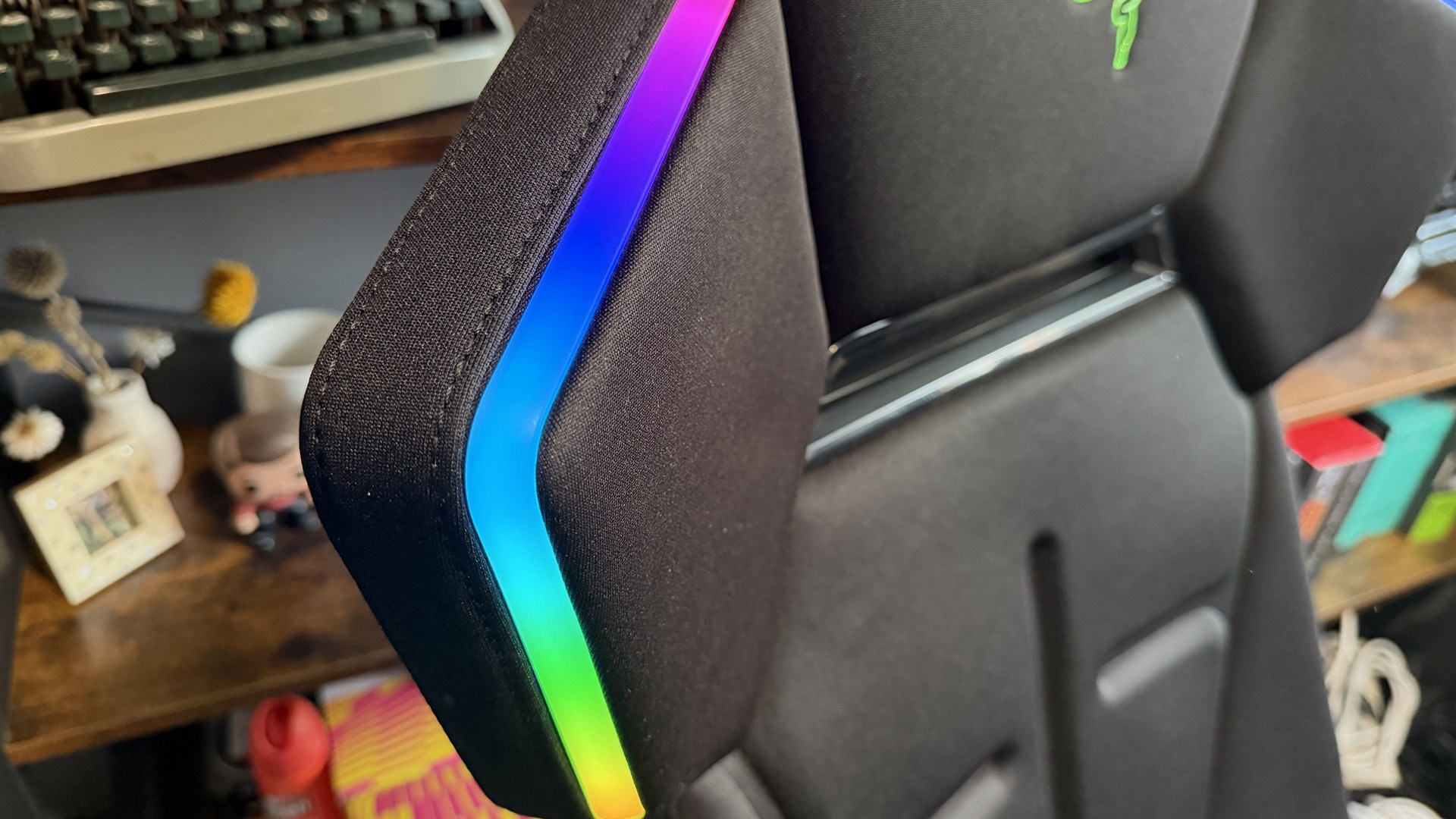
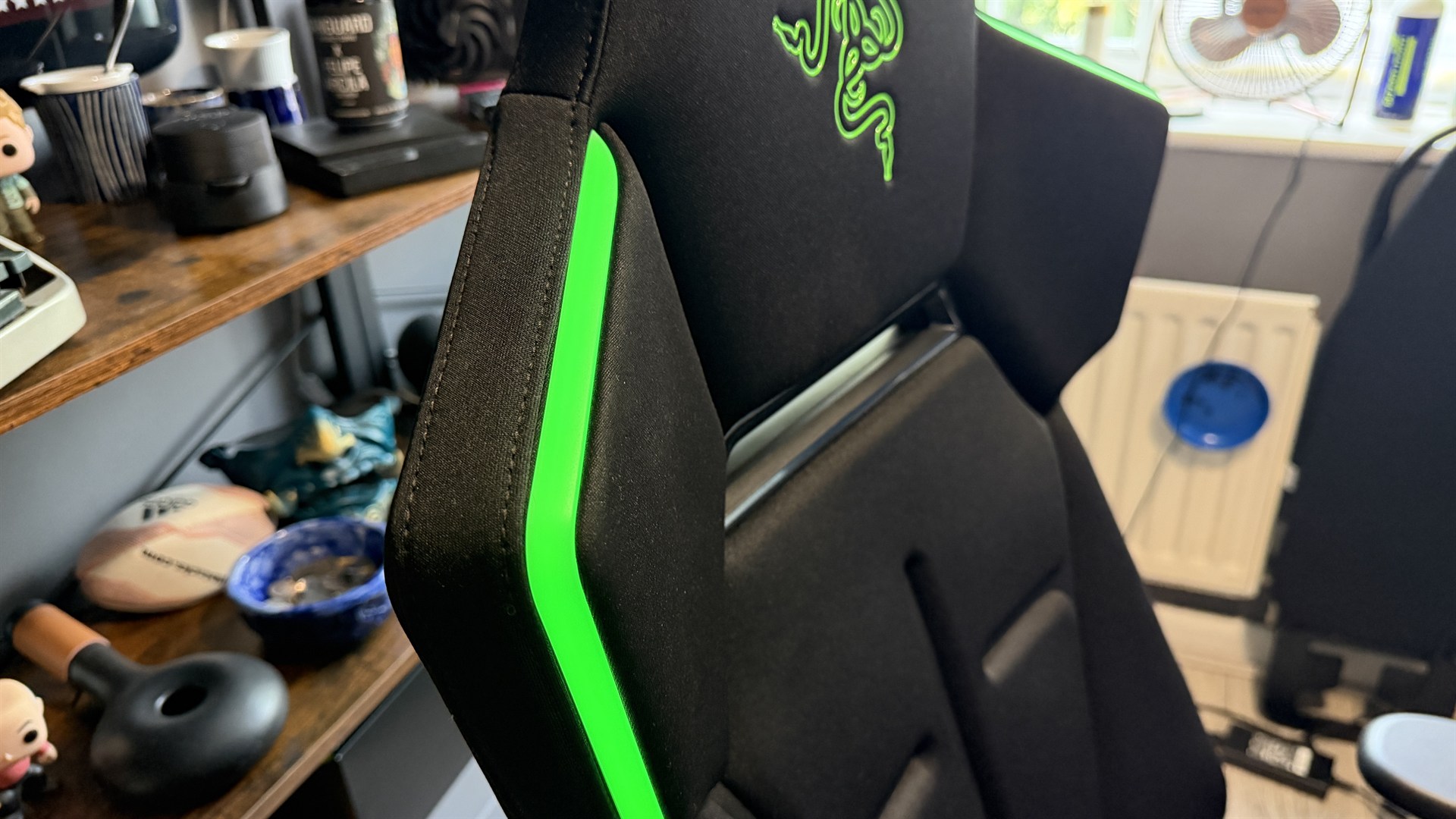
The RGB itself (two diffused strips that run alongside the upper part of the backrest) is forward-facing only, and you can’t really see it when you’re sat down. It’s not like a keyboard or a mouse, which is at least in your periphery, and needing your machine on with the cable hooked up separately if you opt to go without a battery bank means you’ll probably spend about 5-10 seconds every session watching it just light up.
It’s great for a streamer, sure, but even then it does feel more like an advert rather than something classy.
I had the lighting on for a day when I first got it for testing, then promptly unhooked the USB cable Razer graciously provided me with and never touched it again. Best gaming chair? Well, it won’t be because of its RGB; that’s for sure.
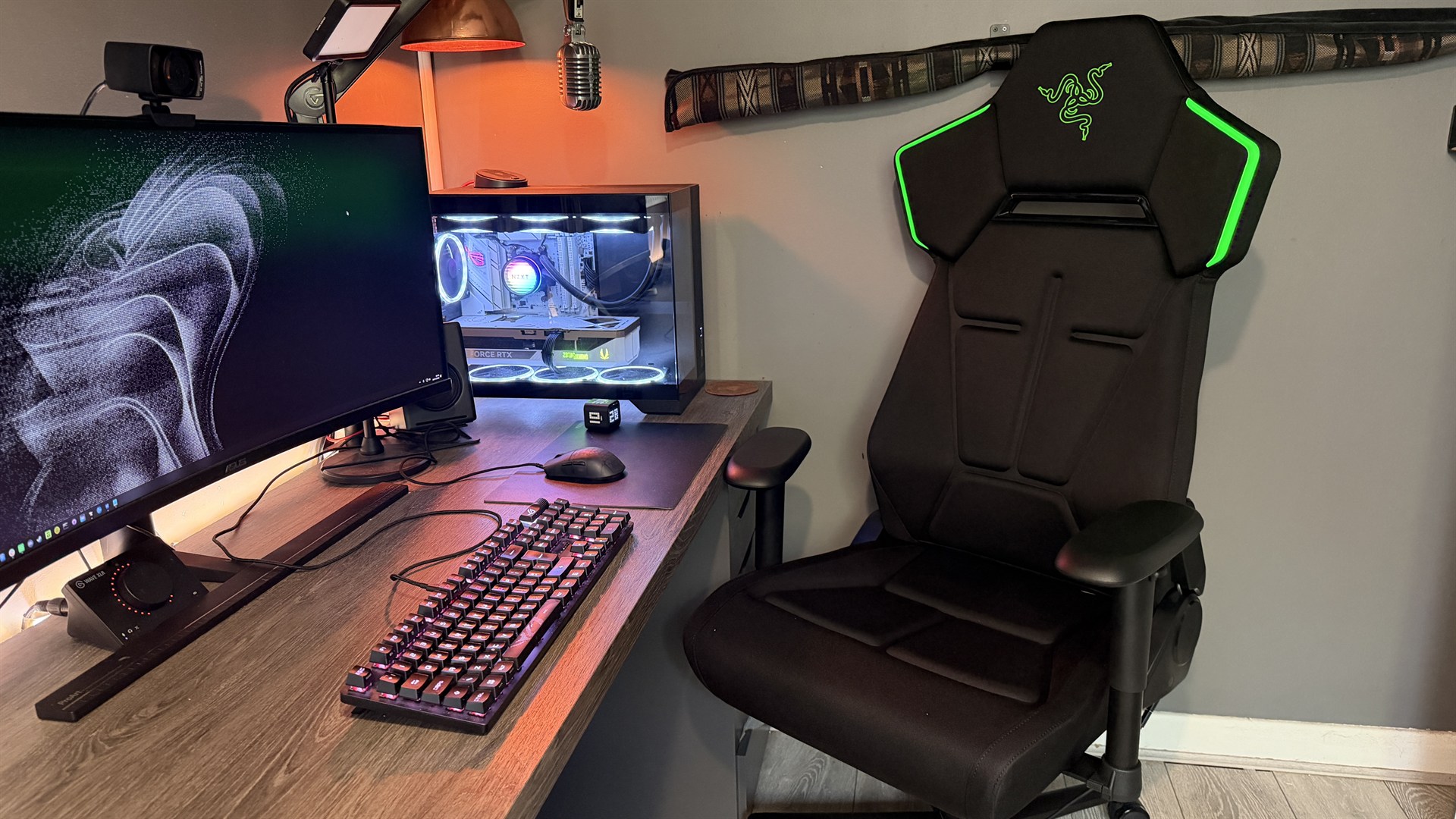
Razer Soma Chroma: Price and Availability
- Costs $500/£500 (about $954 AUD)
- Remarkably expensive given what it lacks
- Single colorway and fabric option
Right, now you can grab the Razer Soma Chroma for $500 USD and £500 GBP (about $954 AUD). It sits roughly between the Razer Iskur V2 X (at about $350) and the standard V2 (that’s $600 or so).
You can pick one of these up today, although there’s little in the way of choice. No different color options, no different materials, you get what you get.
Sold separately, of course, you can also get a male-to-female USB-C extension cable, headrest, and power source (you’ll have to source your own on the latter).
On the warranty front, Razer’s got you somewhat covered with a 14-day returns policy via the RazerStore, and as standard it comes with a 3-year warranty, which upgrades to 5 if purchased direct and registered.
Razer Soma Chroma: Specs
Price | $500/£500 (about AU$954) |
Dimensions | 53.1 x 26.4 x 28.1in / 135 x 67 x 71.5cm |
Max user weight | 331lbs / 150kg |
Max seat height | 20.1in / 51cm |
Seat depth | 18.5in / 47cm |
Recline angle | Up to 155° |
Warranty | 3 years (free 5-year upgrade via Razer.com) |
Material | Knit fabric, cold-cured foam |
AndaSeat Phantom 4 Pro: Design and Aesthetics
- Bold gamer style
- Perforated channels for air (read: debris)
- Green logo on an RGB product
The Soma Chroma is unabashedly gamer. There’s just no two ways about it: the sharp lines, jagged polygonal design, the channelling, the RGB, the stitching — it doesn’t exactly give off this allure of premium professionalism. That’s to say I’m sure 16-year-old Zak would’ve loved it, but me, sat here in my ‘rustic’ office, dealing with media, clients, and more on the daily, yeah it kinda sticks out like a sore thumb.
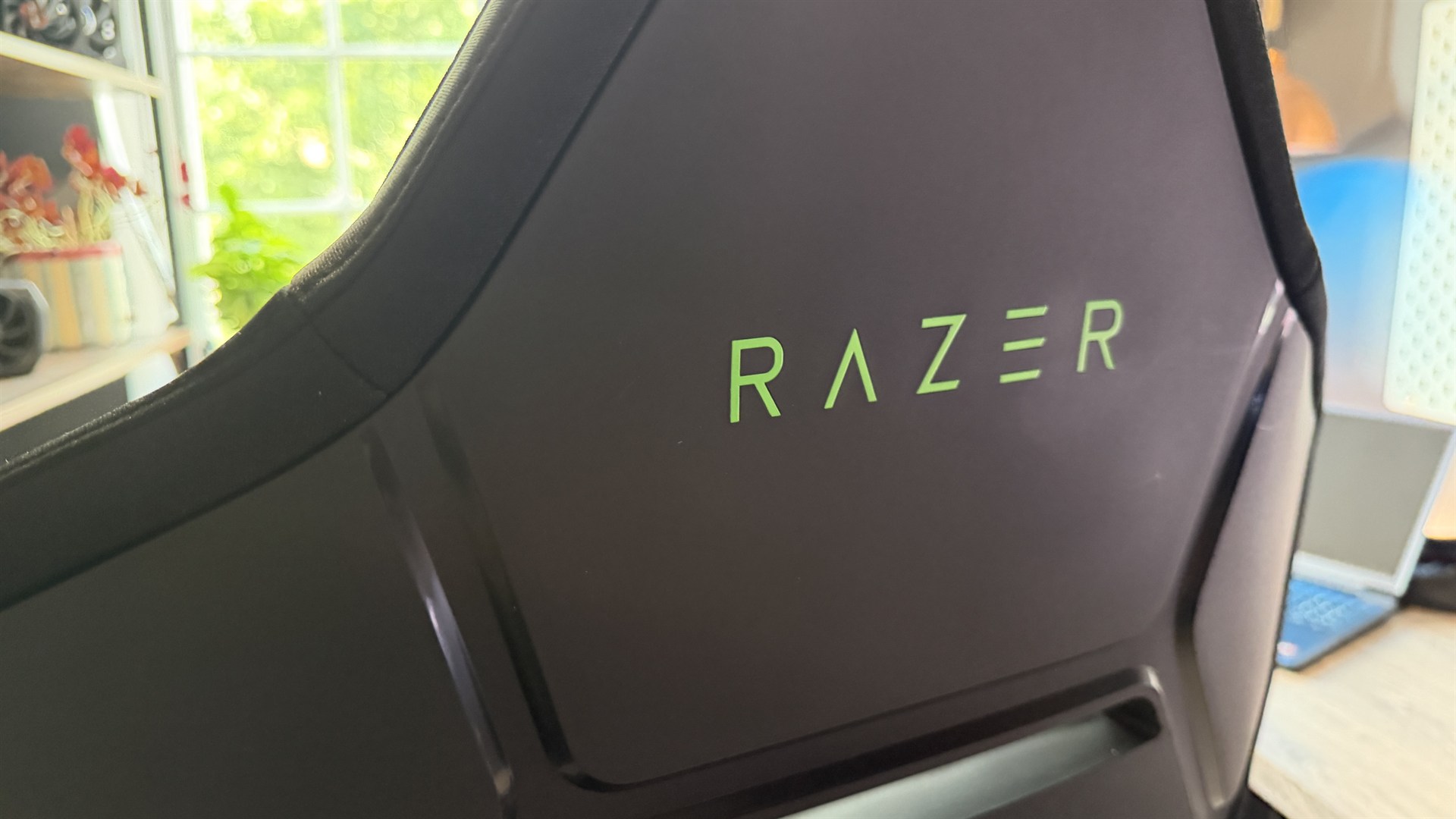
Particularly with the striking green Razer logo etched in the backrest right behind my head, in a not-so-obscure glossy green plastic. Which again I have to question. This is an RGB product, right? That means you can set that lighting (hypothetically, if you use it) to any color you like.
That’s great, but certain colors clash with green quite aggressively. Bright reds, neon blue, pinks, high-saturation yellows. Basically all off limits, all because the logo’s bright neon green. It’s 2026, guys; we’ve had RGB products for a seriously long time now. I thought it was common knowledge that you don’t stick colored accents on them.
The lighting is also awkwardly placed. You can’t actually see it from the back of the chair, and it’s solely positioned behind your head, facing forward, so you literally never see it, outside of the five to ten seconds you go to the toilet and sit back down again. It’s diffused, it looks good when you do manage to catch a glimpse of the stuff, and you can easily configure it in Synapse, but honestly it just feels like a bit of a swing and a miss.
How’d you connect all that? Well, there’s a short USB-C cable located in the back of the chair that hooks up to your battery bank, which you can then stow away in a small zip pocket in the seat base. But it’s really short; that cable. If you’re imagining some retractable 6-foot thing you can pull out when you need it, no, it’s not that.
You’re not connecting this thing to a wall plug, or anything of the sort. Razer provided me with a seriously long extension cable (two in fact) for it, but that doesn’t come by default, annoyingly. And of course, there’s no built-in battery, or included power bank, or the option to add one to your order. I used the extension cable to effectively run the entire chair to the back of my PC, and it does run off USB power. That said, you don’t have to go that route; you can just use a USB plug, and then let the included wireless dongle handle the RGB side of things.
Now I’m done wailing on the lighting; the good news is the finish is genuinely lush, it’s like a neoprene-feel soft-touch fabric, and it’s a delight to sit on. I’m writing this review in the midst of yet another heat wave in the UK, and skin-on-chair contact has been genuinely lovely. Compare that to the number of AndaSeat’s chairs I’ve reviewed recently that leave me begging for AC, and well, it’s a nice change that’s for sure.
Ok, we’ve had bad, we’ve had good, now it’s back to bad. There are channels in the chair base, and I get the concept. The idea is that it helps air circulate your, well, back passage, to stop you heating up so quickly, and it kind of works. But it comes with a major caveat, and that’s that it also holds onto all manner of dust and debris.
If you own a dog, or cat, or have a habit of sitting at your desk eating from time to time, you’re cooked. You’ll be getting the blow duster out you use for your PC on the chair base at least once a week.
Razer Soma Chroma: Comfort and adjustability
- Super comfortable, wide seat base
- Generous lumbar support
- Armrests and the castors are letdowns
Fortunately for the Soma, sitting on it is a treat. The cold-foam base is comfortable as all hell, and the seat base is wide enough for the weirdos like me who sit cross-legged to do so in absolute bliss.
The armrests, however, are more basic, two-dimensional affairs. There’s no four- or even three-directional setup here like you’d find on almost all of its modern counterparts from competitors at this price.
You can raise them up and down and swivel them, and that’s it. They’re padded and modestly squishy, but if you’d put them on an Ikea chair, I wouldn’t be able to tell that they were Razer-designed and made.
Oh, and it doesn’t roll. Well, it does, but it’s just so frustratingly stiff it beggars belief. I wrote about this in the AndaSeat Phantom 4 Pro review earlier this year. It’s basically, I think, a result of overcompliance with the EU’s EN 1335-2 safety measure, which means that in an emergency any unmanned chair shouldn’t move easily. I don’t quite understand the logic behind that, but here we are.
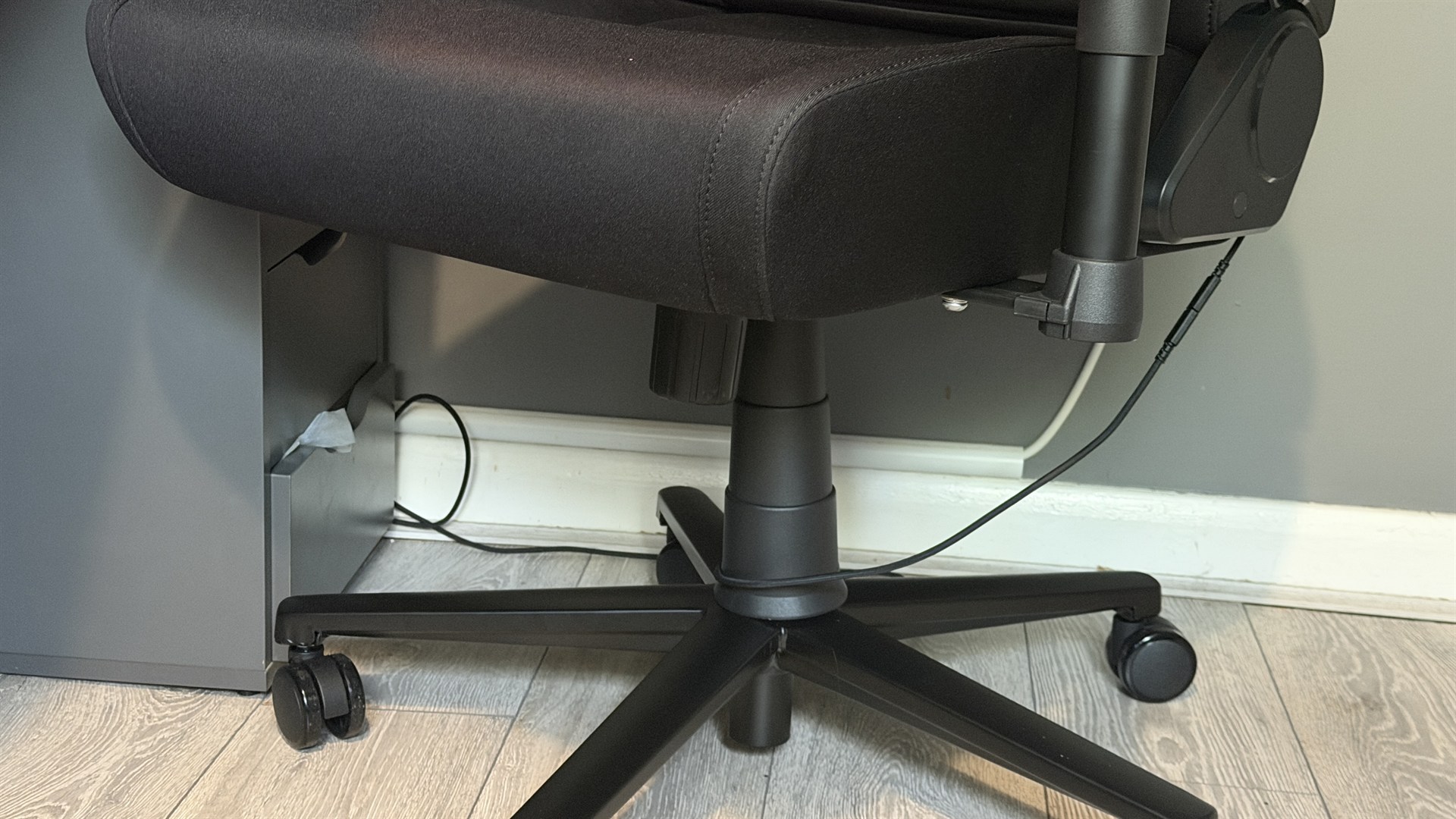
And it frustrates me because I can’t roll up and down my desk, or if I need to lightly move it to put my shoes on, or I just want to get more comfortable at my setup, it’s a minor struggle. And yes, I know that’s a first-world problem, but it’s $500/£500 for this thing, from a seriously reputable brand.
One final flag from me before I move on. There’s no headrest cushion included either. Razer will sell you a headrest, but it’s at additional cost. Eugh. No magnetic freebie for you, no sir. Not even a strapped one.
Razer Soma Chroma: Assembly
- Seamless, standard build
- Missing shear bolt on recline
- Massive manual
As far as building the thing goes, the Soma Chroma is genuinely smooth. If you’ve built one gaming chair before, you’ll get along with this one just fine. It’s a bit heavy; Razer recommends you’ll need two people to build it, but it’s more than easy enough to do solo.
Plus the manual is massive, and printed onto a giant sheet of card, which feels a bit overkill (a book would’ve been fine; I’m not that old, I can read).
The only cause for concern is that you do need to be a touch careful installing the backrest, as there’s no safety bolt sitting between you and the tilt angle arm. So if you do hit that lever too aggressively, there’s a chance the bracket can snap forward. So do bear that in mind.
Should You Buy The Razer Soma Chroma?
Buy it if…
You want a genuinely comfortable chair
Soft-touch upholstery, impressively wide base, generous lumbar support, and that cold-density foam do the bulk of the work here. It’s best at the boring bits.
You’re a streamer
The one audience that actually sees the Chroma, you know, work, is yours. The RGB syncs with a good 300 games or so, and you can build out to your color scheme if you’d prefer
Don’t buy it if…
You expect 500 bucks to cover everything
No head pillow, no cables, no power adapters, no battery. The things that make the Soma Chroma don’t light up without an additional investment.
You actually move at your desk
Braked castors and static armrests make this a chair for sitting perfectly still rather than shifting around.
Also consider…
Make sure to consider these alternatives as well.
Razer Soma Chroma | Secretlab Titan Evo 2022 | Razer Iskur V2 | |
Price | $500 / £500 (about AU$954) | $519 / £414 / AU$724 | $650 / £600 (or around AU$1,128) |
Dimensions | 53.1 x 26.4 x 28.1in / 135 x 67 x 71.5cm | 54.3–58.3 x 27.6 x 27.6in / 138–148 x 70 x 70 cm | 51.0–54.7 x 27.2 x 27.2in / 129.5–139 x 69 x 69cm |
Max user weight | 331lbs / 150kg | 285lbs / 130kg | 300lbs / 136kg |
Max seat height | 20.1in / 51cm | 21.9in / 55.5cm | 21.1in / 53.5cm |
Seat depth | 18.5in / 47cm | 20.9in / 53cm | 17.7in / 45cm |
Recline angle | Up to 155° | 85–165° | 85–153.5° |
Warranty | 3 years (5 direct) | 5-Years (extended warranty) | 3-Years |
Material | Knit fabric, cold-cured foam | NEO Hybrid Leatherette, SoftWeave Plus Fabric, Napa Leather | EPU Leatherette, Fabric |
Secretlab Titan Evo 2022
The legendary Titan Evo is a TechRadar Gaming favorite for good reason. With exceptional comfort, removable magnetic lumbar support, and a size range that covers every-shaped human under the sun, it’s well worth considering if the Soma just doesn’t feel like the right home for your butt.
For more information, check out our full Secretlab Titan Evo 2022 review
Razer Iskur V2
Like the Soma Chroma but better. With dedicated built-in lumbar support, it’s a solid trooper in the world of gaming chairs. It’s even got the build quality and aesthetic chops to match albeit at a slightly inflated price.
For more information, check out our full Razer Iskur V2 review
How I tested the Razer Soma Chroma
- Used for over a month
- Fully built by hand solo
- Set up in all manner of configurations
I spent well over a month with the Razer Soma Chroma, testing the ins and outs of how it held up under serious usage. Working from home, it endured the hardships of a constant 9-5 “office” job, along with late evening gaming sessions, through normal operating conditions and heatwaves abound.
I’ve spent years testing gaming chairs from all manner of manufacturers, and I compared this one directly to a slew of products from AndaSeat, Noblechairs, and Secretlab as well. I also fully tested the Synapse and WiFi dongle, and tracked the real-world usage and feel of it throughout the month, documenting any moment where I thought “ahh this is good” or “ahh not so good”.
I also got my five-foot-five partner to sit in and provide me with her direct feedback as well, along with a few close friends to get their thoughts and feelings on it, which directly feeds the opinions you see here as well. I questioned them intensely on the comfort, the feel, and the build quality of the Soma Chroma to get a broad picture of opinions on it.
First reviewed August 2026
This articles is written by : Fady Askharoun Samy Askharoun
All Rights Reserved to Amznusa www.amznusa.com
Why Amznusa?
AMZNUSA is a dynamic website that focuses on three primary categories: Technology, e-commerce and cryptocurrency news. It provides users with the latest updates and insights into online retail trends and the rapidly evolving world of digital currencies, helping visitors stay informed about both markets.
