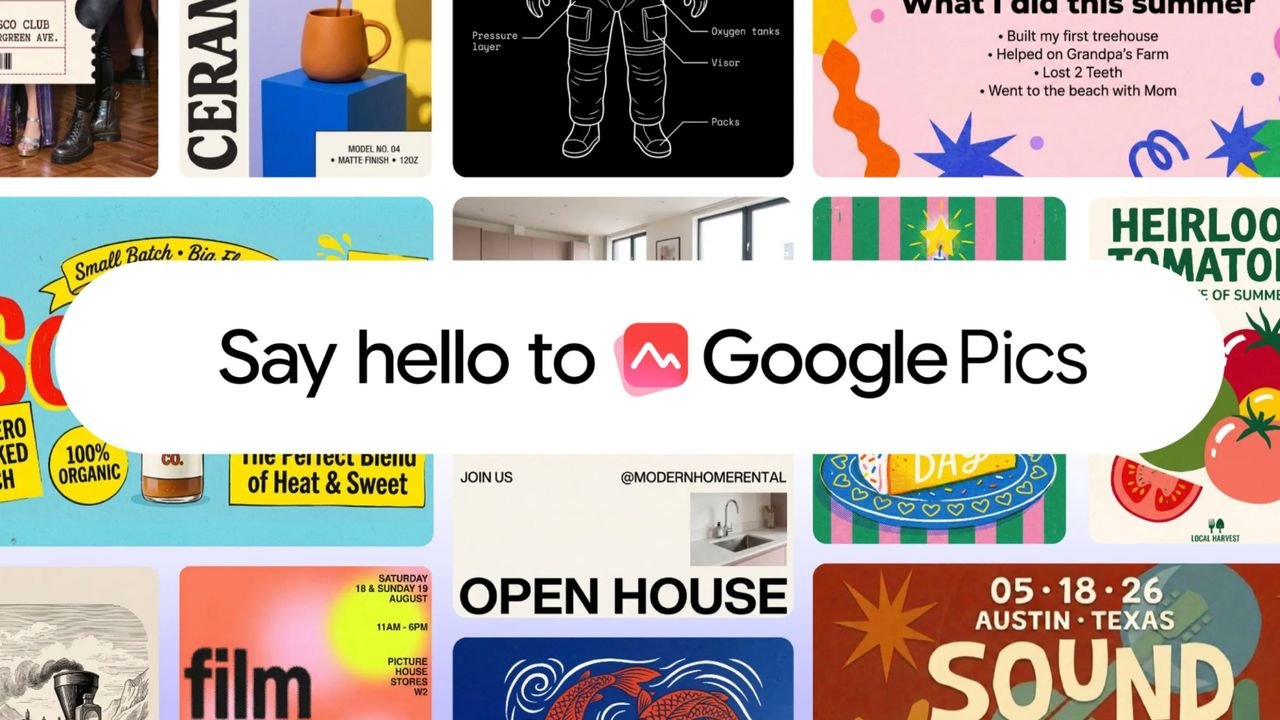
- Google Pics lets you generate and precisely edit images using simple text prompts
- It will be integrated directly into Google Docs, Slides and Drive
- Pics is rolling out to Google AI Pro, Ultra and eligible Workspace customers
Google has started rolling out Pics, a new AI-powered image creation and editing tool that looks like the company’s answer to Canva and even Adobe Express.
Canva became enormously popular by enabling ordinary people to produce good-looking graphics without needing professional design skills. Google Pics is attempting something similar, but rather than giving you a huge library of templates and asking you to assemble a design yourself, it puts AI at the center of the entire process.
Pics isn’t as fully featured as Canva, at least from what Google has shown so far. However, it’s included with Google AI Pro and Ultra subscriptions and selected Workspace business plans — and that could prove to be its biggest advantage.
All AI, no templates
Pics starts with a prompt. You describe what you want to create, perhaps a child’s birthday invitation, an event poster or a social media graphic, and the AI generates several versions for you to choose from.
You can then select individual objects or pieces of text and ask Pics to change them without regenerating the entire image. Text can be edited, reformatted or translated while preserving the surrounding design, and images can be cropped for different formats or upscaled to 2K or 4K. You can also request several changes at once and return to an earlier version if the results go wrong.
While some people will dislike how heavily Pics relies on generative AI, others may appreciate how much of the traditional design process it removes. Instead of learning how to use layers, masks and selection tools, you can simply describe the change you want.
Google Pics is powered by Nano Banana, Gemini’s image generation and editing model. You can see how it works in this video:
Why Workspace changes the equation
The biggest difference between Pics and Canva is that Pics isn’t being positioned only as a standalone design app. Google is also integrating its editing tools directly into Docs and Slides, with deeper Drive integration arriving over the coming weeks.
That means you’ll be able to select an image in a presentation or document and edit it using Pics without opening another app. If an image in a document is too dark, for example, you could ask Pics to lighten it while remaining inside Google Docs. Creations can also be shared and edited collaboratively in much the same way as other Workspace files.
That integration is what makes Pics potentially significant. Canva remains a much broader and more mature design platform, complete with templates and tools covering everything from presentations to websites and video. Pics doesn’t need to replace all of that, however. It only needs to make Google users wonder whether opening Canva is still necessary for the everyday graphic they’re trying to create.
Google Pics is rolling out over the coming weeks to Google AI Pro and Ultra subscribers, as well as eligible Workspace business and education customers. I’m still waiting for it to reach my account, but I’ll be putting it through its paces as soon as it does.
This articles is written by : Fady Askharoun Samy Askharoun
All Rights Reserved to Amznusa www.amznusa.com
Why Amznusa?
AMZNUSA is a dynamic website that focuses on three primary categories: Technology, e-commerce and cryptocurrency news. It provides users with the latest updates and insights into online retail trends and the rapidly evolving world of digital currencies, helping visitors stay informed about both markets.
