There’s no denying that all of our next PC upgrades are likely to be more expensive than they’ve been in a long time. Memory shortages, SSD shortages, graphics card shortages—it’s all driving prices up. And if history is anything to go by, they won’t come all the way down again. (They will come down at some point, it’s just not clear when.)
So, one strategy to survive this current crisis in PC components? Outlast it. Stave off your next upgrade as long as you can, hope prices stabilize soon, then retreat as demand falls off.
But if your current PC isn’t cutting it—if your gaming or workflows are starting to struggle under the age of your system—there are ways you can refresh your system, make it feel new, and keep it going long enough to squeeze more juice out of it.
Enable XMP/EXPO
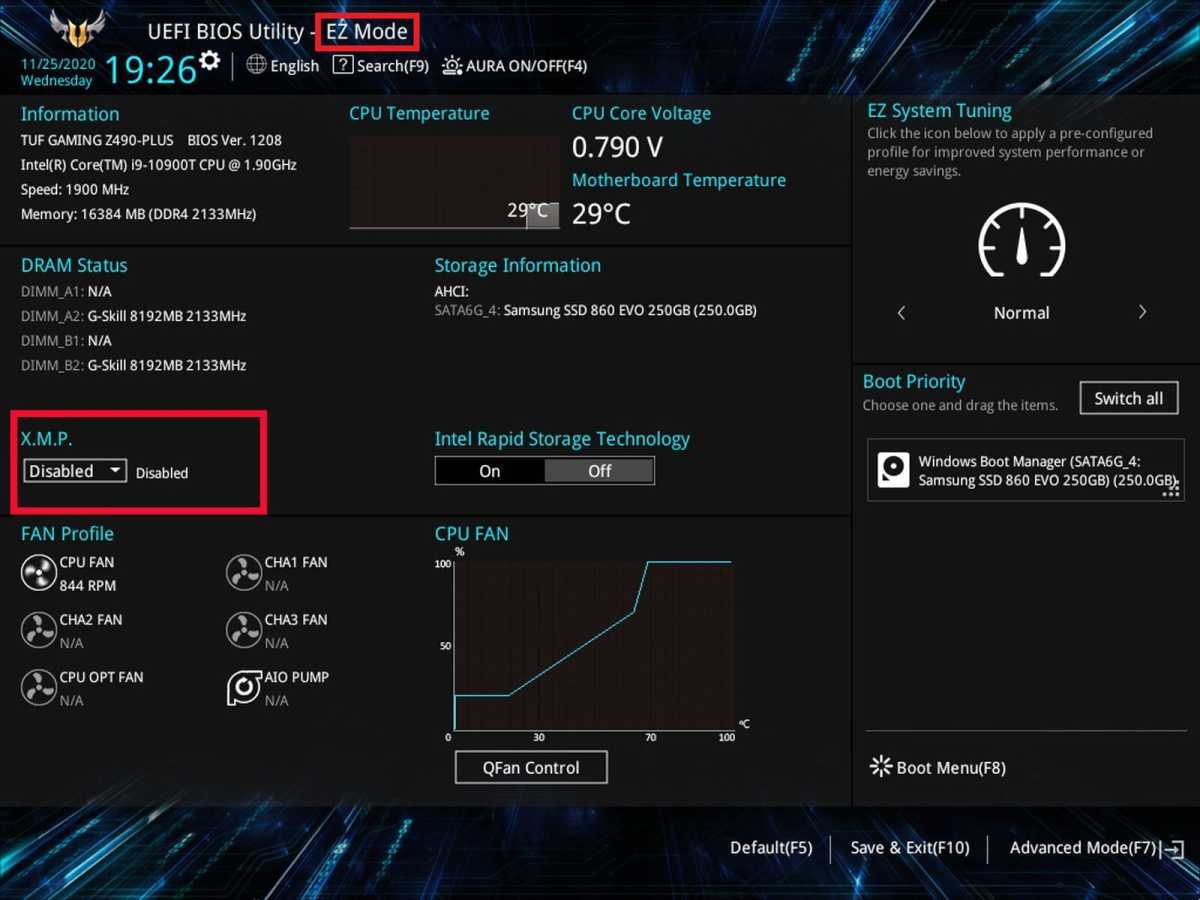
This is one of the easiest and most useful performance boosters for any PC that has anything beyond the most basic DDR memory. If you aren’t running your RAM sticks with XMP/EXPO enabled, you could be leaving a lot of performance on the table.
Ian Paul / Foundry
Duck into your BIOS and make sure you have one of the profiles enabled for your memory: XMP for Intel or EXPO for AMD. Enabling this will boost your memory clocks up to their rated speeds.
Enable Resizable BAR (ReBAR)
AMD
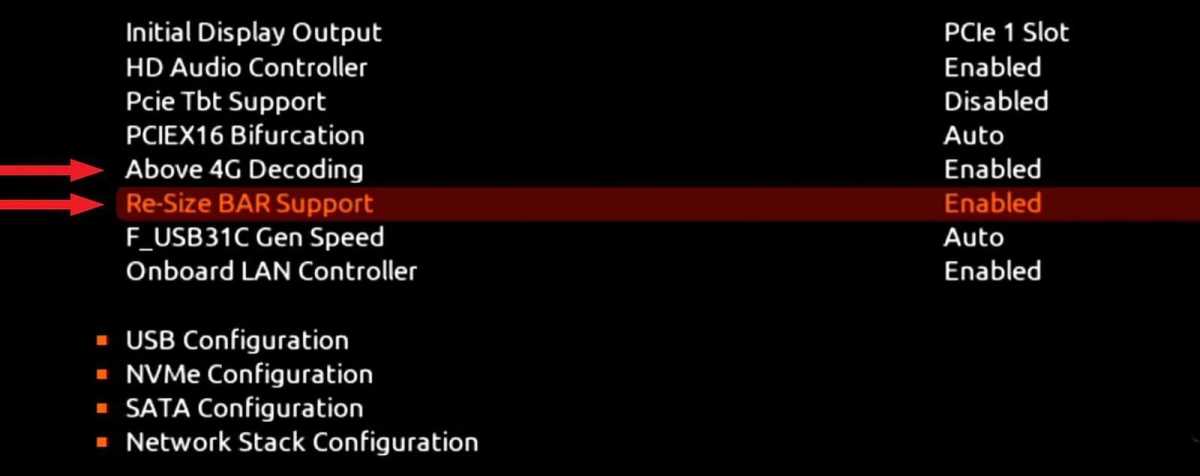
Resizable Bar (ReBAR), also known as Smart Access Memory for AMD, gives your CPU full access to your GPU’s VRAM without the need to break it up into chunks. It can make your graphics card perform notably faster, especially if it’s an Intel GPU. Check your graphics drivers (or the BIOS) to make sure this is enabled to make the most of your GPU.
Clear out SSD storage
Jon Martindale / IDG
If you’re running low on storage, you aren’t just lacking the space you need to install your next game or app—it can actually have a significant impact on your SSD’s performance, too.
Modern SSDs need between 10% and 20% spare capacity to efficiently move data around and make the most of their ultra-fast random access capabilities. Freeing up spare capacity is one of the easiest ways to boost SSD performance—and it’ll even increase overall SSD lifespan.
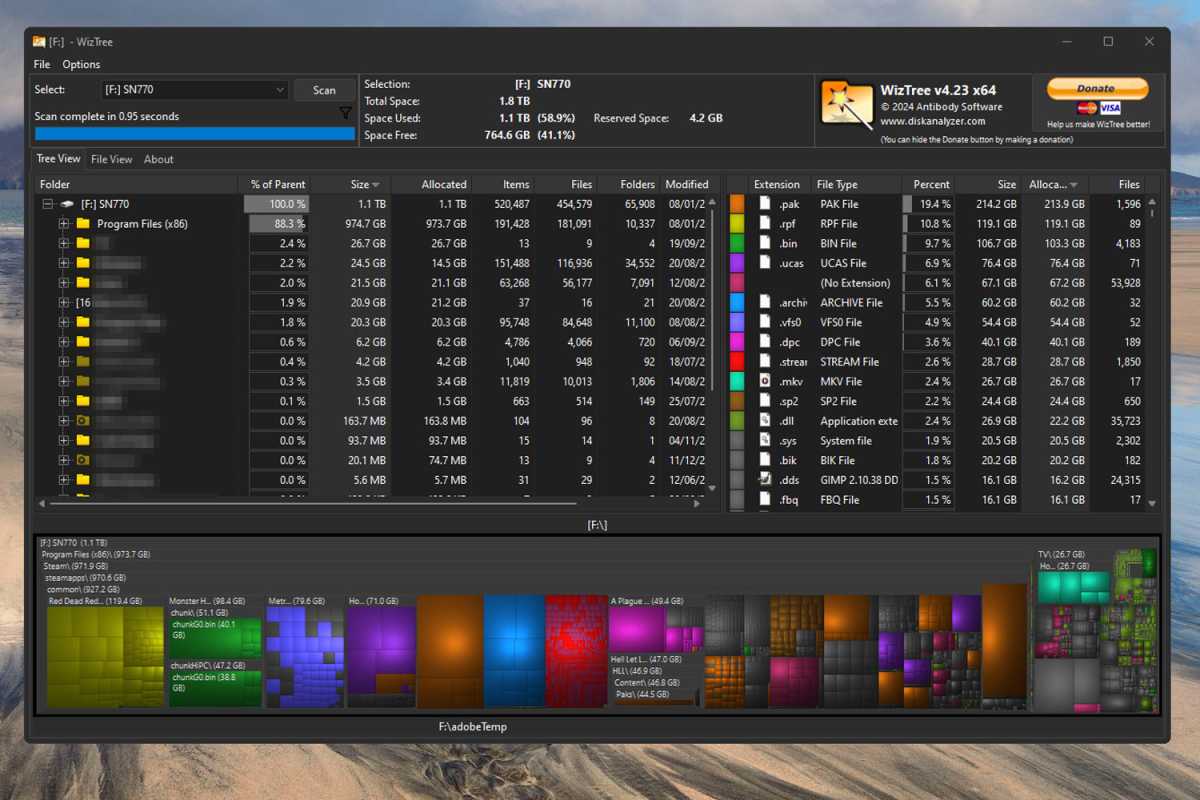
So, if your main SSD or game library drive is getting full, delete a bunch of unused apps, games, and/or files. You should notice a real uptick in system responsiveness. (Don’t know what to delete? Use the free WizTree app, one of my favorite hidden gem apps on Windows.)
Update your drivers
Jon Martindale / Foundry
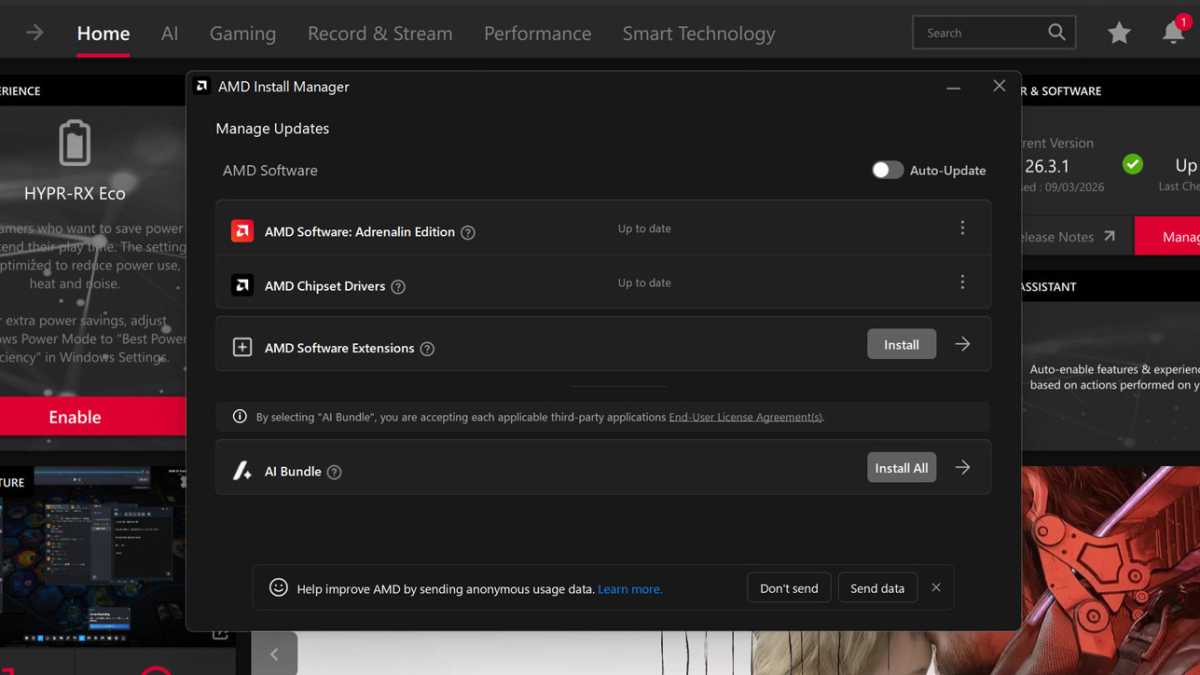
I know it’s boring and takes a minute, but keeping your drivers up to date is one of the best ways to make sure your system is running at peak performance and efficiency.
The main ones to update are your graphics drivers, but chipset drivers are also important, and if you’re feeling a little braver, BIOS updates can help improve system stability and give you more options for tweaking hardware. Bonus points if you use Display Driver Uninstaller (DDU) to make sure the old drivers are really cleared out.
Update your operating system
Microsoft
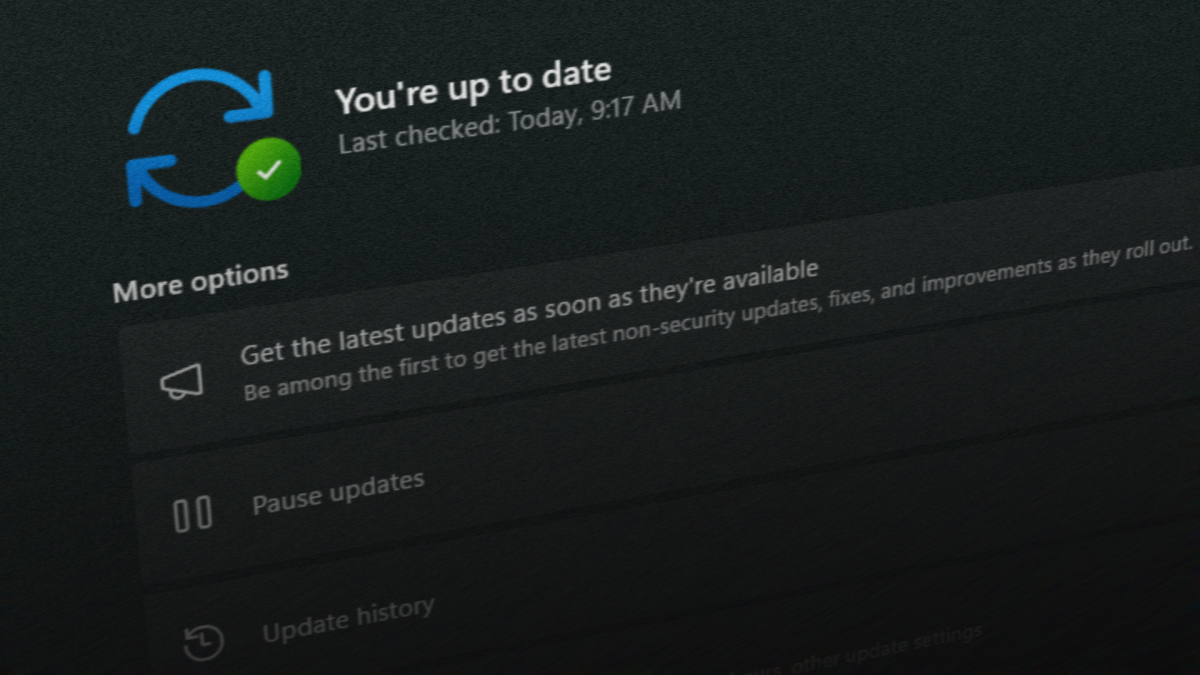
Keeping your operating system updated is as unexciting as keeping your drivers current, but it ensures you’re enjoying the most efficient and performant experience you can get on your PC.
Updates often include security features, too, so making sure you’re up to date with all the latest patches is just good practice in general. Any light performance bumps along the way are just icing on top.
Take care of your battery
Panos Sakalakis / Unsplash
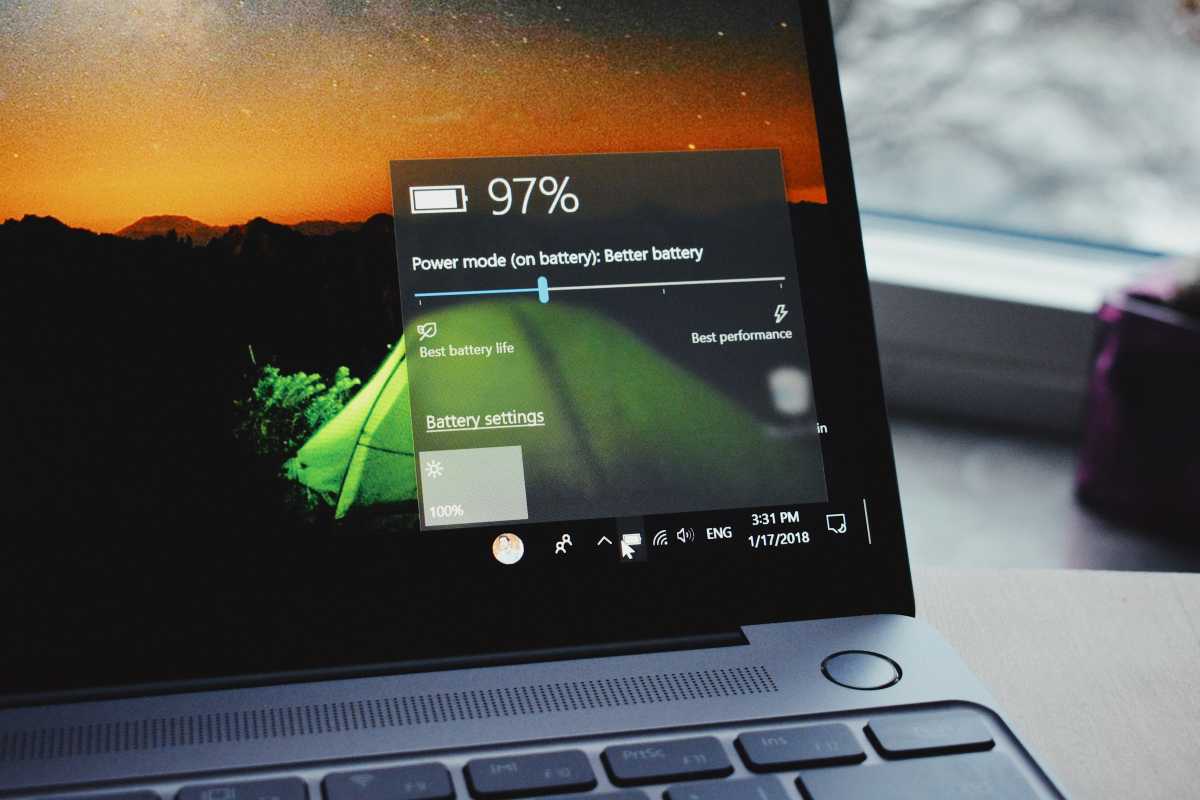
If your daily driver is a laptop, then keeping the battery in peak condition is paramount to making that laptop last the long haul.
Don’t overcharge it. Use plugged-in power when you can. Keep the screen brightness down when you don’t need it. That’s just scratching the surface! Heed all my tips for ensuring long battery life and you’ll extend the lifespan of your battery by quite a bit.
Do an annual spring cleaning
Whether it’s blocked laptop vents or dust-clogged heatsinks, dirt and debris can easily build up in PCs and laptops. Not only is it gross, but it absolutely does lead to weaker performance. If the heat can’t escape, the fans have to spin harder to stay cool, and then it’s a slippery slope to thermal throttling and system instability.
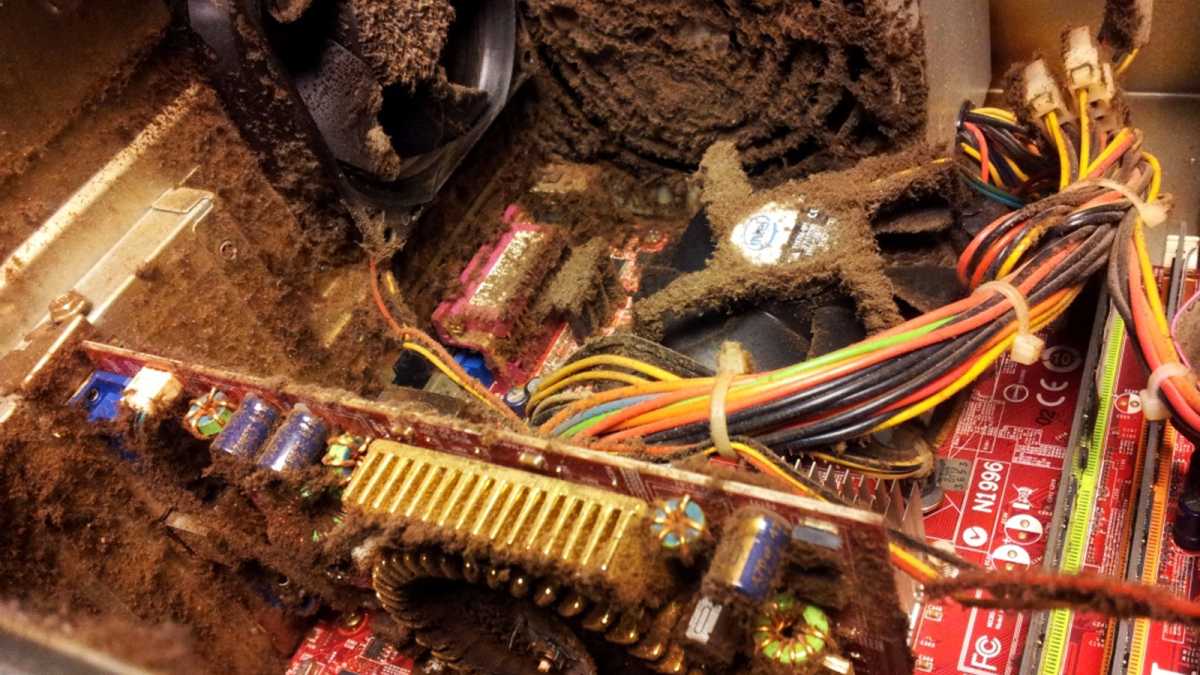
Make sure you’re giving your PC a regular clean at least once every six months. That’ll help keep it working as it should over the long term.
For a more advanced refresh of your system, consider some in-depth cable tidying. You can re-paste your CPU if it’s been a few years. You can re-paste your GPU, but that will void your warranty on many cards, so double-check you’re happy risking that before proceeding.
Lightly overclock your hardware
Overclocking can be complicated and time consuming, but there are plenty of apps out there that’ll help ease the learning curve and let you enjoy a modest overclock at the press of a button.
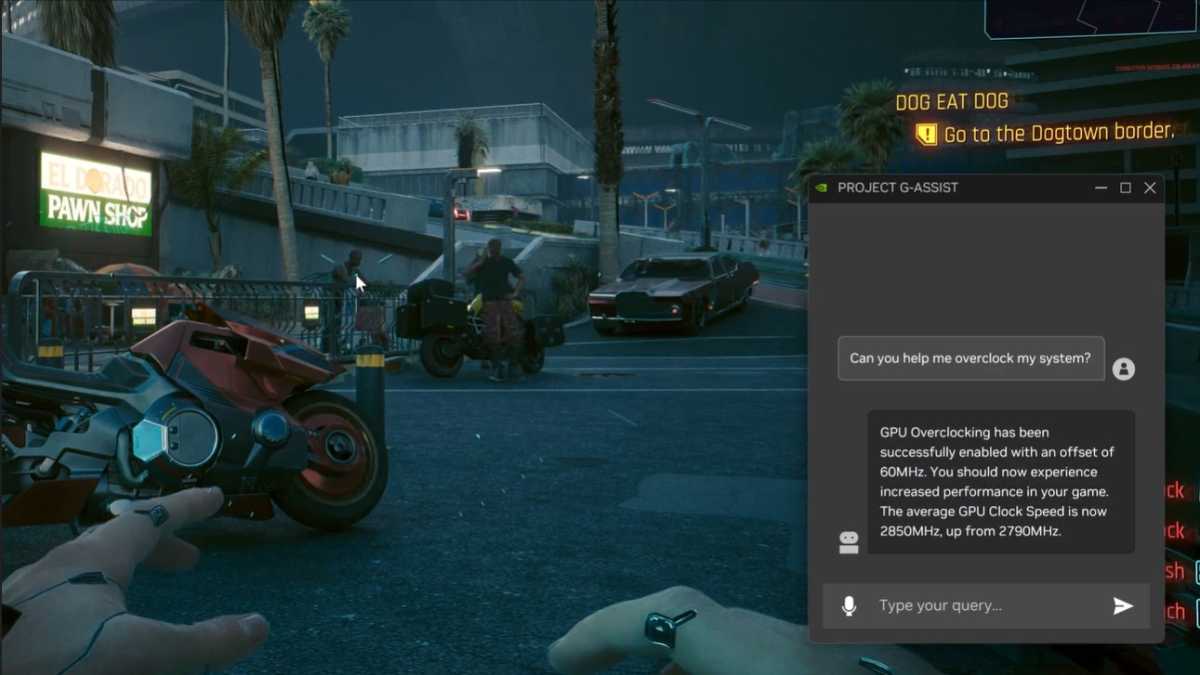
Nvidia
Nvidia, AMD, and Intel all have apps for automated GPU overclocking, and that alone net you a few percent of extra performance. The same goes with CPUs from AMD and Intel, though not all of them can be overclocked like this. Learn more in our article on cheap/free ways to make an old computer run faster.
Memory overclocking is an option, too, but beyond enabling the XMP/EXPO profile (which I mentioned above) it can get quite complex. Just make sure the memory profile is enabled and you should be good.
Need more storage? Go external
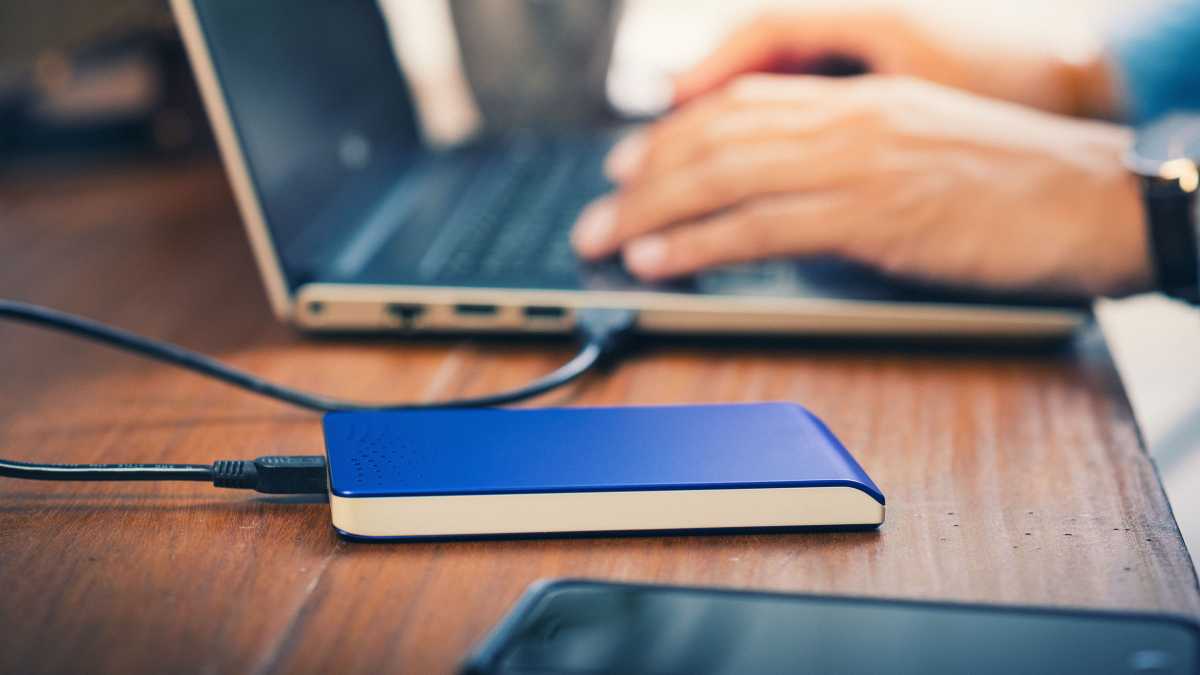
If you can’t just delete stuff from your main SSD but you need more storage space, just get an external SSD and call it a day.
But you don’t need a PCIe 5.0 SSD that costs hundreds of dollars. If you’re tight on cash, maybe resort to an older PCIe 3.0 design. Consider even buying a small SATA drive to tide you over.
Nor Gal / Shutterstock.com
Most external SSDs these days are fast enough to play games from, but even if they’re not, storage is storage if you don’t have enough.
You could even consider buying a classic hard drive if you just need somewhere to put stuff. They’re cheap and they’re great for holding large files like games and videos.
Factory reset your PC
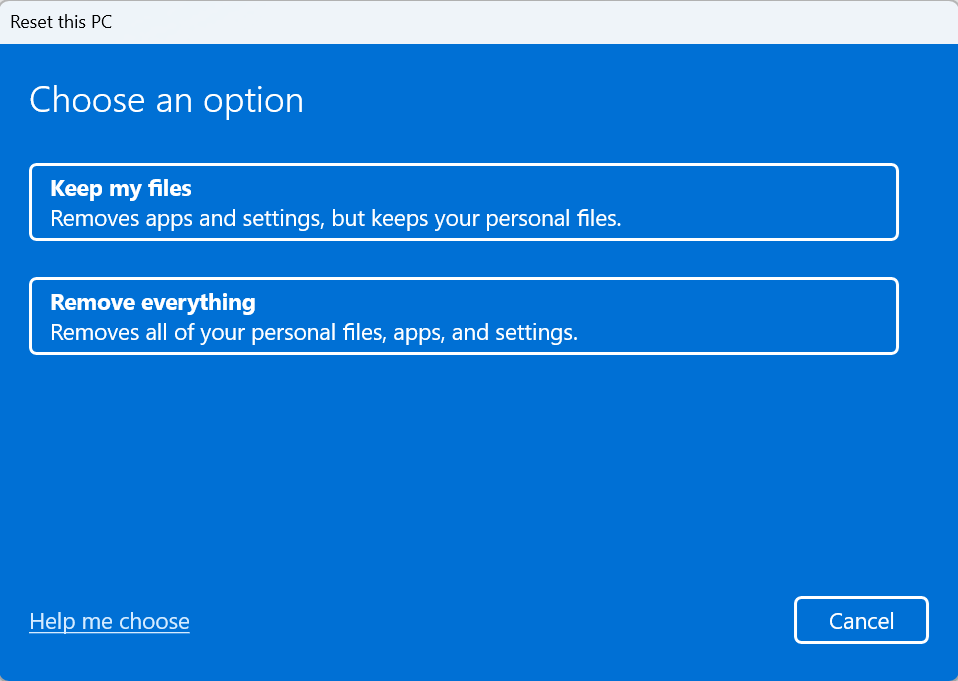
This one’s more drastic, but if you can easily back up your most important files, then performing a PC factory reset is a great way to get it back to what it was like when you first bought it.
Foundry
It clears out any lingering malware and bloatware, dumps all the old drivers that are still kicking around, and lets you reinstall only the apps, games, and services that you actually use. Not convinced? Check out these crucial signs that it’s time to reset your PC.
Just be extra sure you’ve backed up important data first. Don’t forget browser bookmarks, any offline password manager databases, sensitive work and personal documents and files. Get it all on an external drive or in the cloud before you clear everything with a clean reset.
Upgrade one part, not the whole PC
If you absolutely have to upgrade your PC hardware, then try to stick to components that won’t be hit by the RAM crunch.
If you need a new CPU, don’t also upgrade the memory, even if it’s tempting to pair it with faster sticks. If you need a new GPU, make sure you aren’t buying one that’s too fast for the rest of your kit. And if you need more memory? Outsmart the shortage with these tips.
Roll the dice on a pre-owned
If you really, really need a whole new PC, you can skip a lot of the issues with sky-high PC prices by going with a pre-owned model. You’re rolling the dice with this since AI has made it easier to scam with older hardware, and price hikes have hit the second-hand market, too.
But if you buy from a trusted seller on a trusted platform with reliable refund opportunities, you should be relatively safe. If you can, view the system in person. If you can’t, at least get a video from the seller (with today’s date) to see the PC in working condition.
This articles is written by : Fady Askharoun Samy Askharoun
All Rights Reserved to Amznusa www.amznusa.com
Why Amznusa?
AMZNUSA is a dynamic website that focuses on three primary categories: Technology, e-commerce and cryptocurrency news. It provides users with the latest updates and insights into online retail trends and the rapidly evolving world of digital currencies, helping visitors stay informed about both markets.
