
Network-attached storage (NAS) and external hard drives are effective ways to store and access large files on the go.
Yet, many sometimes need help when choosing between NAS systems and external hard drives. You’ve arrived at the right place if you fall into this category. We’ve tested the best NAS drives, NAS devices, and external hard drives.
So, I’ve written this guide explaining what you should know about NAS systems and external hard drives before deciding.
NAS vs. External Hard Drive: Design
Network-attached storage (NAS) utilizes hardware, software, and data transfer protocols to let users share files over a network. It uses a NAS box that houses storage disks, processors, and a random access memory (RAM) unit. This box has specialized software to manage file storage and user access.
NAS boxes can connect to a network and let users share files seamlessly. Suppose you work in a company with 50 staff. All 50 staff can connect to a single NAS box to access organizational files. Think of the NAS system as an online tree where everyone can pluck information. It provides an easy way to share massive files between employees.
In contrast, external hard drives are standalone devices that transfer files over USB ports rather than a network. Every file is stored locally, and the hard drive must be plugged into the PC that wants to retrieve information from it.
NAS systems offer substantially more storage space than external hard drives. You can always expand the storage capacity of your NAS system by adding more drives, unlike external hard drives with fixed storage capacities.
External hard drives are portable and easy to move. Employees can quickly pass them around to retrieve relevant files, but this process gets cumbersome for large workforces. Picture a 100+ workforce sharing a single external hard drive; that’s inefficient and weakens productivity.
In contrast, you can keep a NAS box stationary, and employees can connect to this box from their respective PCs. Everyone can access files seamlessly without looking for hard drives to plug into their PC. A NAS system is the most convenient option for businesses that can afford it.
NAS vs. External Hard Drive: Price
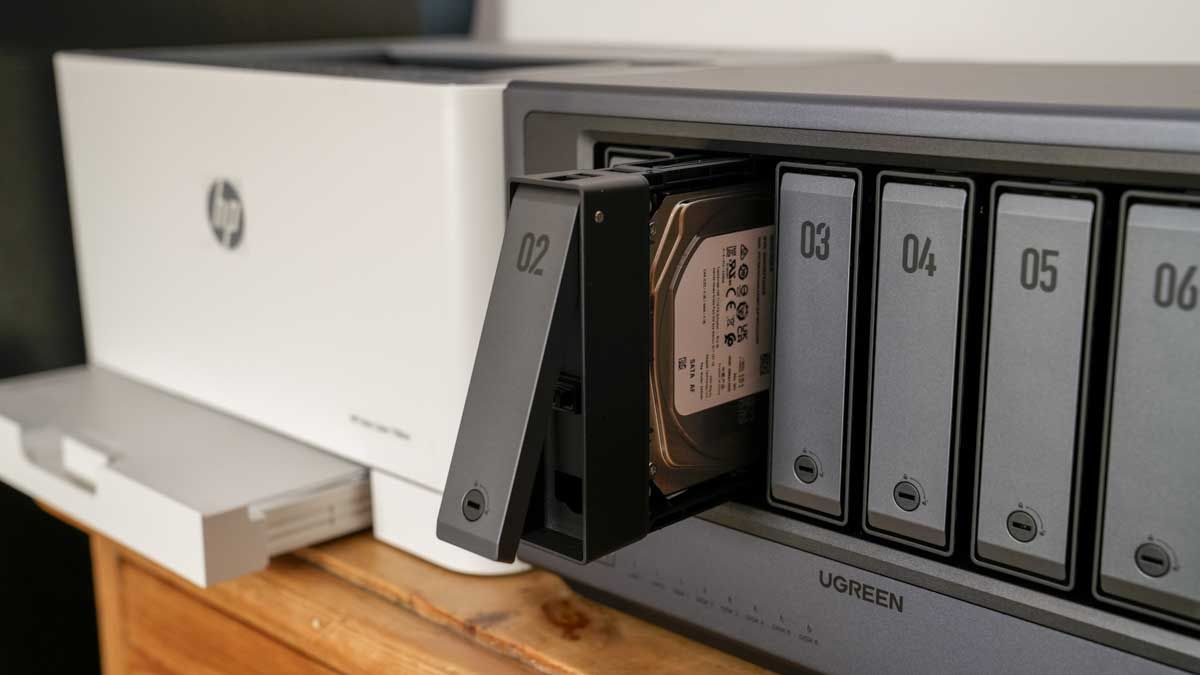
NAS systems are more expensive than external hard drives, expectedly, because they use more sophisticated components. A NAS system includes a storage box, networking components, and a processor to run the software.
In contrast, an external hard drive’s main component is a simple magnetic disk (platter) that stores data. NAS systems are more expensive to produce.
A 4 TB external hard drive costs an average of $90. Meanwhile, a 4 TB NAS system costs upwards of $200. It gets costlier when more drives are added to the existing setup. When weighing both, expect to spend more on a NAS system, but the trade-off is bigger storage capacity and the convenience of accessing files.
NAS vs. External Hard Drive: Speed
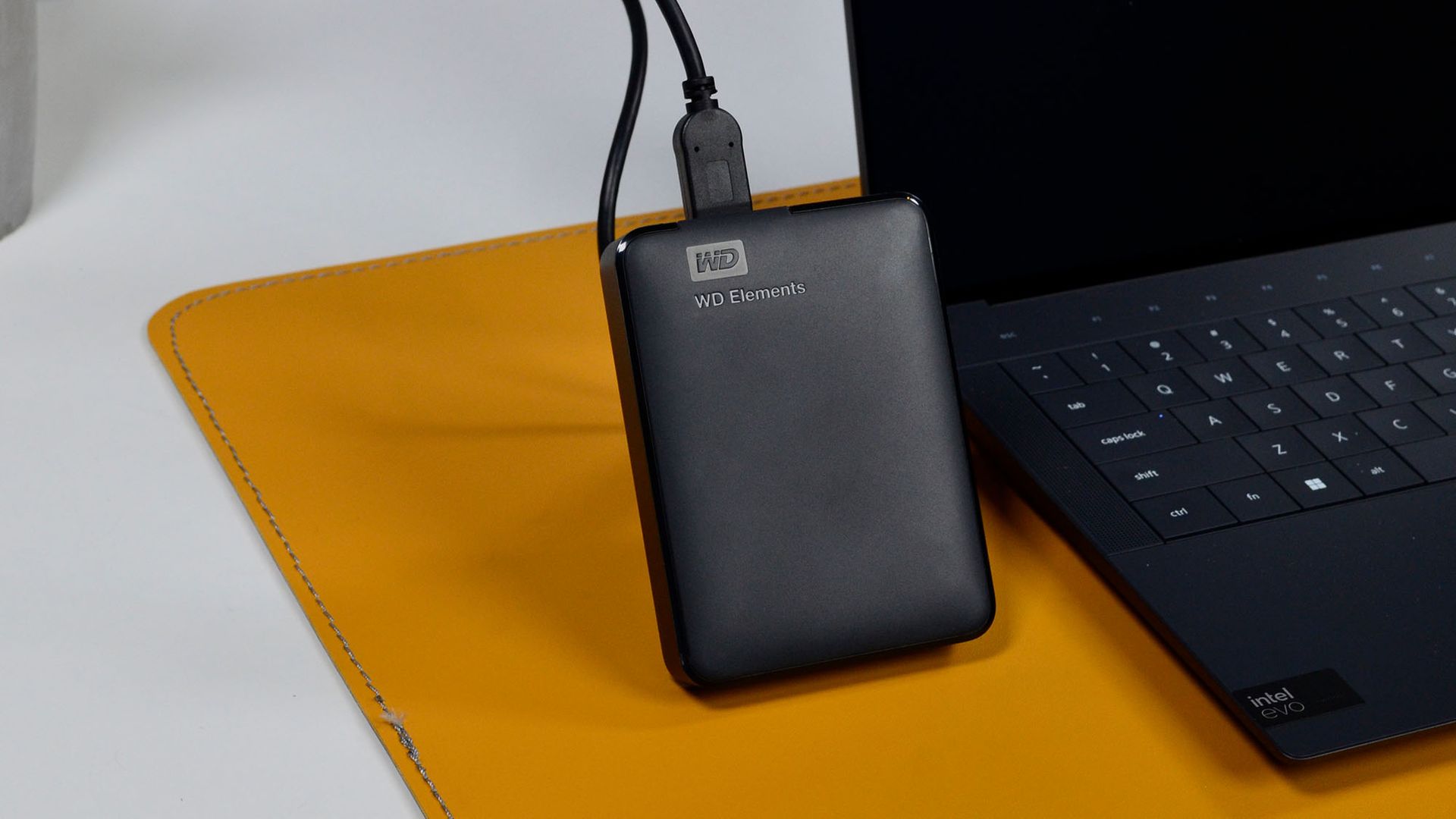
NAS systems offer excellent speed, although they depend on bandwidth. Consumer-level NAS devices have average data transfer speeds of 3 to 20 MB per second (Mbps), but high-level NAS devices can reach 100 to 200 Mbps. Because they depend on network bandwidth, data transfer speeds can be slow when many people connect to the same NAS box.
External hard drives transfer data via USB ports. Data transfer speeds depend on the USB version of your external hard drive. USB 1 offers up to 12 Mbps, USB 2 offers up to 480 Mbps, USB 3 reaches up to 5 Gbps, and USB 4 has a maximum speed of 40 Gbps.
Some NAS systems offer gigabit speeds (over Ethernet cables) comparable to USB. On average, USB systems have faster data transfer speeds. However, I think this shouldn’t matter much because most users don’t transfer files at gigabit speeds. Both NAS and hard drives are sufficient for everyday use.
NAS vs. External Hard Drive: Backup and Redundancy
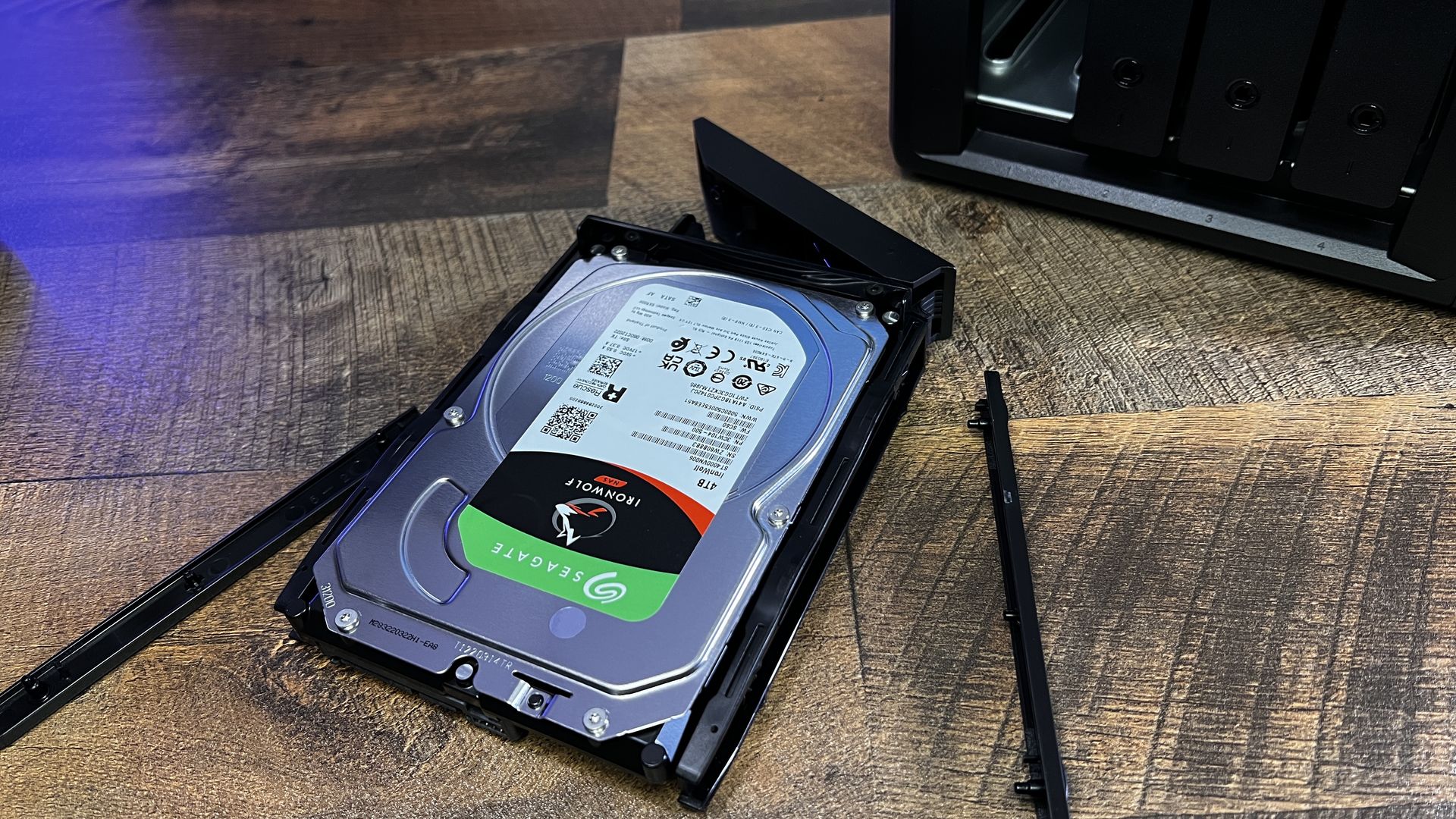
Many NAS systems have built-in data backup features. For instance, you can back up a Synology DS923+ NAS to Google Drive. You can schedule automatic backups, wherein all data stored on the Synology NAS box will be uploaded to Google Drive daily, weekly, or monthly. Automated backups keep your data safe even if the NAS device fails.
In contrast, external hard drives don’t have built-in backup software. To back up files, you need to manually connect the drive to a PC, which is cumbersome. People often forget to do manual backups, but automated NAS backups solve this issue. Your data is safer on a NAS than on a hard drive.
NAS vs. External Hard Drive: Verdict
NAS systems offer much larger storage and are expandable. They offer a more convenient way to access data, making it the best choice for enterprises. NAS systems cost more than external hard drives, but the higher cost is worth the convenience for business users.
External hard drives are ideal for casual users who frequently transfer files between PCs. They handle large file transfers without issues, although the process isn’t as smooth as using a NAS system. I think the hassle and expense of setting up a NAS system aren’t worth it for casual users.
For more options, we’ve tested the best hard drives.
This articles is written by : Fady Askharoun Samy Askharoun
All Rights Reserved to Amznusa www.amznusa.com
Why Amznusa?
AMZNUSA is a dynamic website that focuses on three primary categories: Technology, e-commerce and cryptocurrency news. It provides users with the latest updates and insights into online retail trends and the rapidly evolving world of digital currencies, helping visitors stay informed about both markets.
