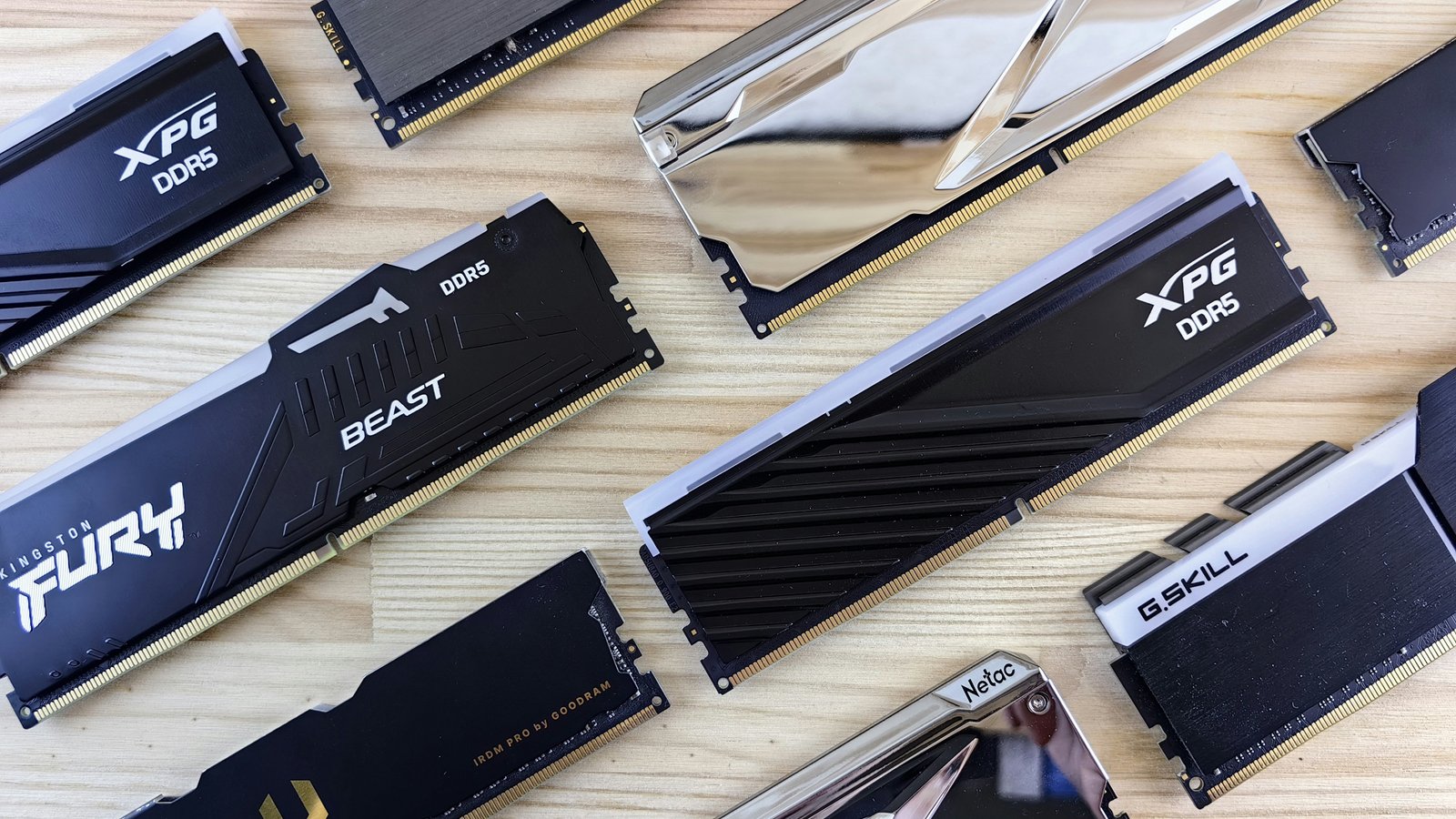
The RAM shortage is still out of control. You can’t build a decent PC anymore without spending exorbitant amounts of cash, all because memory and storage costs are through the roof. Graphics cards are also in short supply. It’s crazy out there! What are you to do?
Well, you have options. Maybe you won’t be able to get hold of the latest DDR5 sticks, and maybe you’ll have to make peace with graphics cards now being exclusively for the mega-rich, and maybe it’s going to be a long time before the shortage ends. But you do have options.
Here’s what I’m doing to get around the memory crisis and explore some decent upgrades without draining my bank accounts.
Buy weird RAM
You know what most people buy when they’re upgrading memory? The fastest 16GB or 32GB kit they can find and afford. But you know what’s a great way to find a better deal? Buy anything else!
Check out 24GB and 48GB kits. Or DDR5 5200 MT/s memory. Buy the memory without RGB, or one with an ugly heatspreader. Buy the memory from no-name brands—it might not be as fast or as long-lasting, but they all use the same NAND flash inside.
Mustpoint
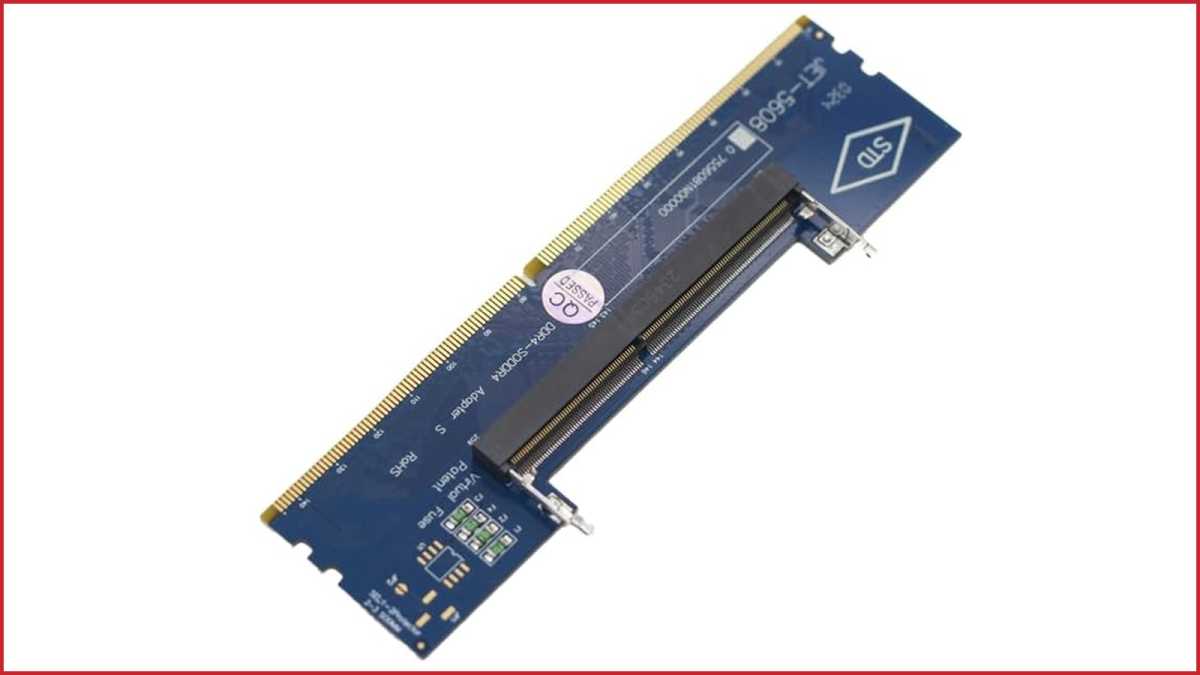
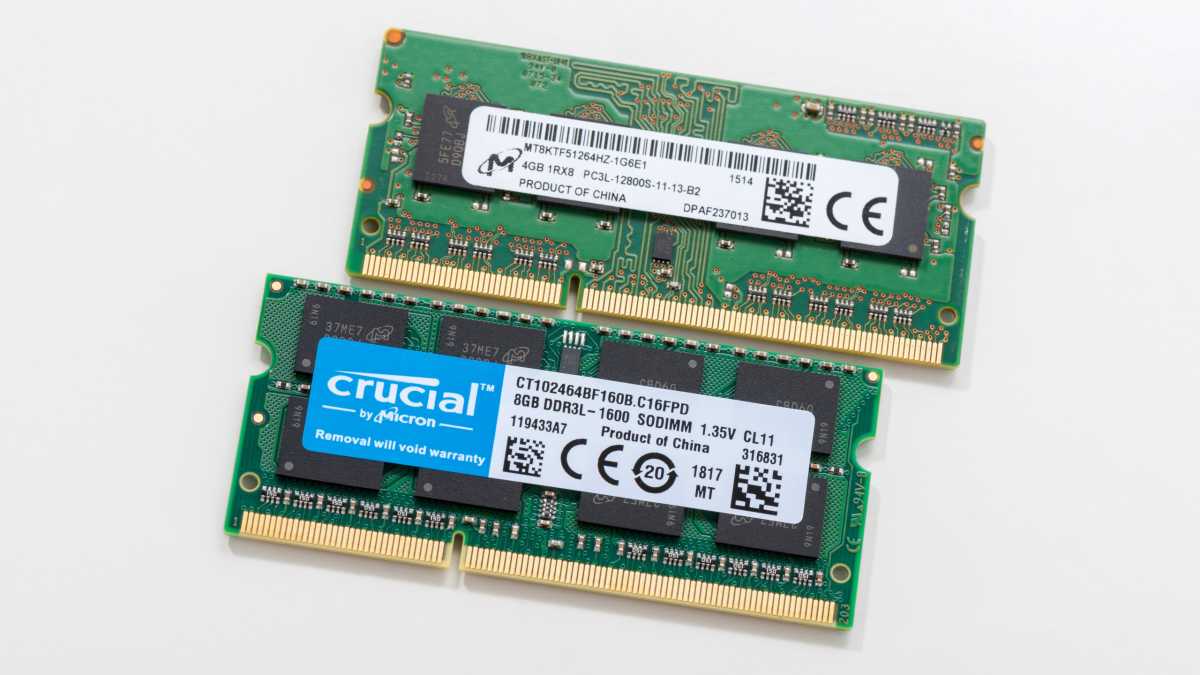
Hell, you can even use SO-DIMM laptop RAM if you get a SO-DIMM to DIMM converter. Laptop memory prices have gone up, too, and the performance won’t be the same… but it’s another way you might be able to snag an upgrade while paying less overall.
Consider older RAM
While DDR5 memory is the gold standard for modern gaming and work machines, DDR4 memory can still be plenty fast, too—and it remains more relevant than you might think.
The most modern systems that still support DDR4 memory include AMD’s Ryzen 5000 (which includes the excellent 5800X3D for a top gaming chip), and Intel has some 600-series motherboards that even support up to 13th-gen CPUs like the Core i9-13900K.

Newegg
As of this writing, DDR4 memory is about $100 cheaper per kit than DDR5. More concretely, you can grab a 16GB kit of dual sticks for around $110 or a 32GB kit for around $230.
If you’re looking to build something entirely new, you could even opt for an even older DDR3-based PC. That will really start to hamstring your performance, and it won’t even be compatible with Windows 11. Still, you can run an old-excellent CPU like the Intel Core i7-4790K on DDR3. It’s far from cutting-edge, but it’s adequate for a homework machine or for playing older games (paired with a reasonably modern GPU).
Don’t overlook 4x RAM sticks
Conventional wisdom when building, buying, or upgrading your PC is to use 2x RAM sticks. Why? Because while high-end desktops can benefit from quad-channel memory, most consumer PCs actually see drops in performance when placing additional demand on the memory controller (which offsets the benefits gained from added capacity).
But in 2026, memory beggars can’t be choosers. If you’re sitting on 2x8GB of DDR5 and wish you had 2x16GB, consider opting for 4x8GB instead. No, it’s not ideal… but when it’s a choice between spending $200 on an extra 2x8GB kit of dual stick DDR5 or replacing the whole thing for $300+, the answer seems obvious. Could you resell your existing kit? Maybe. But do you want to be without your PC while the trade happens? Or deal with scalpers and scammers? I don’t.
The same goes for running 3x sticks of RAM. It’s not classic advice, but if you have 2x8GB and need more than that but you’re on a tight budget, buying a single stick of 8GB DDR5 might be enough to get you the extra performance you need without breaking the bank.
Mismatched RAM is probably fine
Just as using 4x sticks of RAM in 2026 is more than OK, don’t feel bad if the best you can do is mismatched sticks. Sure, you might run into compatibility issues when using different memory types, but that won’t always be the case. If anything, you’ll only be able to run them at the speed of the slowest stick installed—but given the circumstances, that might be better than overpaying for matching RAM.
Find the cheapest DDR5 kit you can find and add it to your setup. It might be ugly and it might not be the performance you deserve, but you gotta do what you gotta do and I’m not gonna judge you for it.
Buy an old office PC
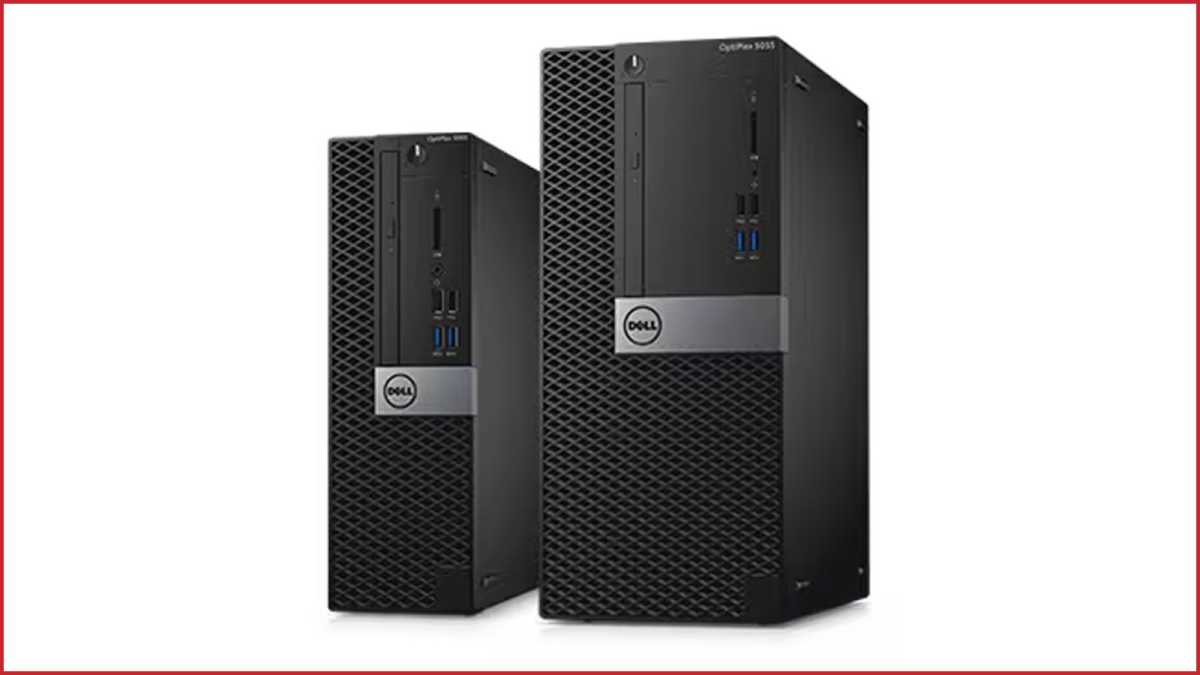
Some of my most fun DIY PC projects over the years involved grabbing a cheap, old office knock-off machine from eBay or Craigslist and giving it a makeover. Replace the PSU and throw in an entry-level GPU, maybe even a better cooler, then let the old, mid-range CPU do the rest.
It’s one way to build an entry-level gaming PC on the cheap in 2026—and also a great way to get hold of some memory.
Often, companies don’t know that their old PCs are a gold mine of memory inside. And even if you can’t easily buy one for parts, some of these old systems make great little home office PCs or budget gaming PCs (if you can add the parts they need to play).
Dell
Dell OptiPlex PCs are a classic option, but also look out for HP EliteDesk 800 or ProDesk 600 machines, Lenovo ThinkCentre PCs, Dell Precision workstations, and Acer Veriton systems. They’re all viable if you find the right configuration at the right price.
Just be sure the model you’re buying isn’t small form factor, as those tend to have weaker CPUs and bespoke power supplies that are a real pain to replace or upgrade. Keep an eye out for systems that might have a full x16 size PCIe slot, and check the case dimensions to be sure they’ll take a GPU (if you’re planning to install one).
Make the most of the RAM you have
What if you can’t just buy new RAM? Or you’ve decided to wait out the RAMpocalypse? Well, there are a few tricks that even you can employ to make the most of the memory you already have.
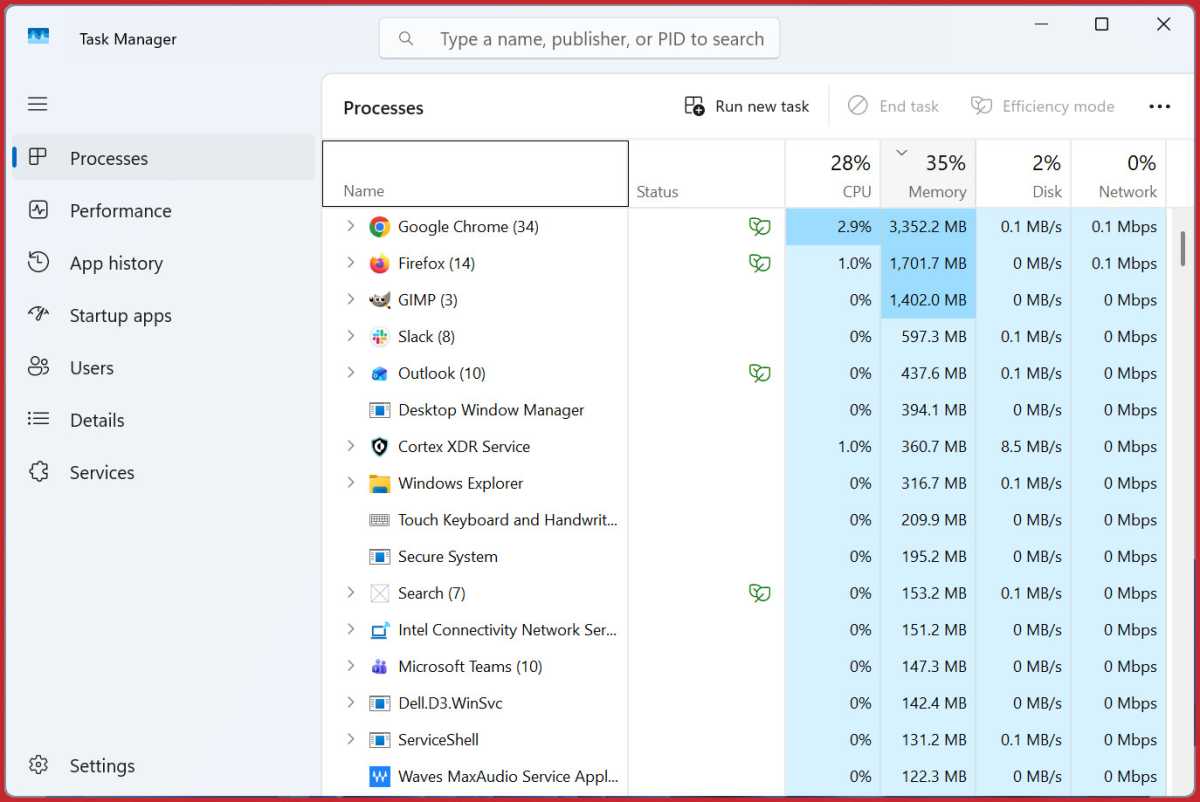
The first trick is to cut down on background applications. It’s a tried-and-true recommendation for boosting system performance and reducing laptop fan noise. By cutting down on background applications, you free up your RAM to be used by other apps—more demanding apps and games that need it. Every little bit helps.
Browsers are huge RAM hogs, so shut them down. Don’t just close their windows but check Task Manager to make sure those processes have been killed. Shut down automated backup tools, chat apps, VPNs, AI chatbots, organizers, clocks, Windows widgets—anything that you don’t need to run what you’re trying to run. Shut ’em all down.
Joel Lee / Foundry
Another trick is to enable XMP/EXPO. Enabling your memory’s XMP/EXPO profile in the BIOS can have a big impact on performance. Make sure it’s toggled to On. Even if you have less RAM than you wish, this will help maximize whatever available bandwidth you have.
You can take this even further with manual overclocking if you so desire, but that’s much more advanced and you’re only likely to eke out a few more percent of actual bandwidth. It’s worth it if you have the time and know-how, otherwise don’t worry about it.
If in doubt, upgrade something else
RAM is only one path to upgrading your PC. If none of the above workarounds work for you, consider the many other ways of improving your PC that don’t involve RAM at all. Truth is, the RAM crisis is going to last a long, long time so… don’t hold your breath.
My suggestion? Check out my other article on PC upgrades that won’t be affected by the RAM shortage for ideas on what you can do.
This articles is written by : Fady Askharoun Samy Askharoun
All Rights Reserved to Amznusa www.amznusa.com
Why Amznusa?
AMZNUSA is a dynamic website that focuses on three primary categories: Technology, e-commerce and cryptocurrency news. It provides users with the latest updates and insights into online retail trends and the rapidly evolving world of digital currencies, helping visitors stay informed about both markets.
