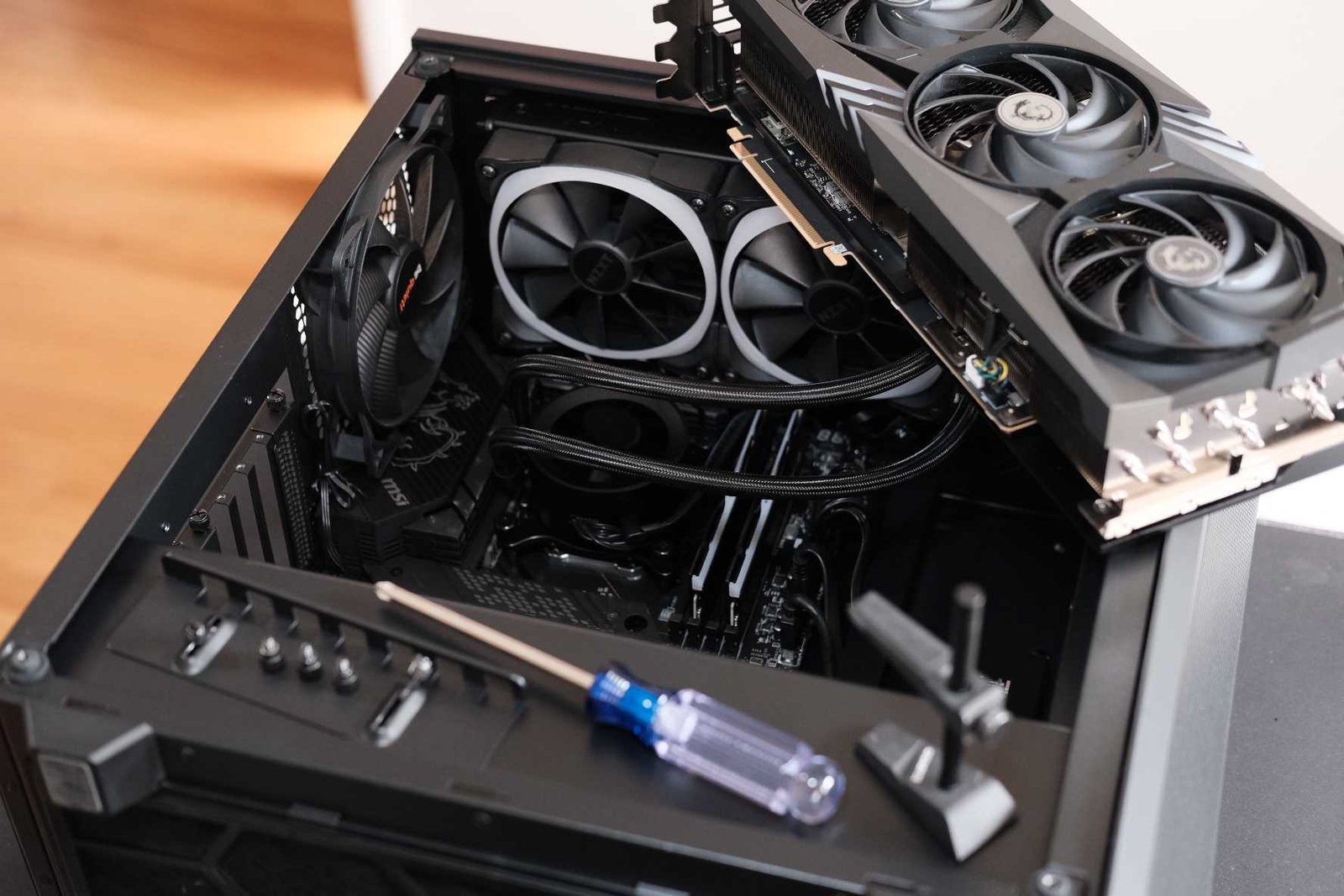
Although many PC manufacturers market their systems as great for gaming, work, entertainment, and everything else, most of them are only really good at one thing—possibly two.
Indeed, unless a PC is built specifically for gaming or specifically for a certain professional workload, it’s unlikely to be ideal. A gaming PC can probably perform some of your work tasks, but not all of them. A standard office PC is almost certainly going to suck for gaming.
If you want a PC that can truly do everything, you need to build one that’s designed for it—you need a hybrid PC. Keep reading for several tips on how to build a hybrid PC that’ll be everything you need it to be.
Why can’t you use a work PC for gaming?
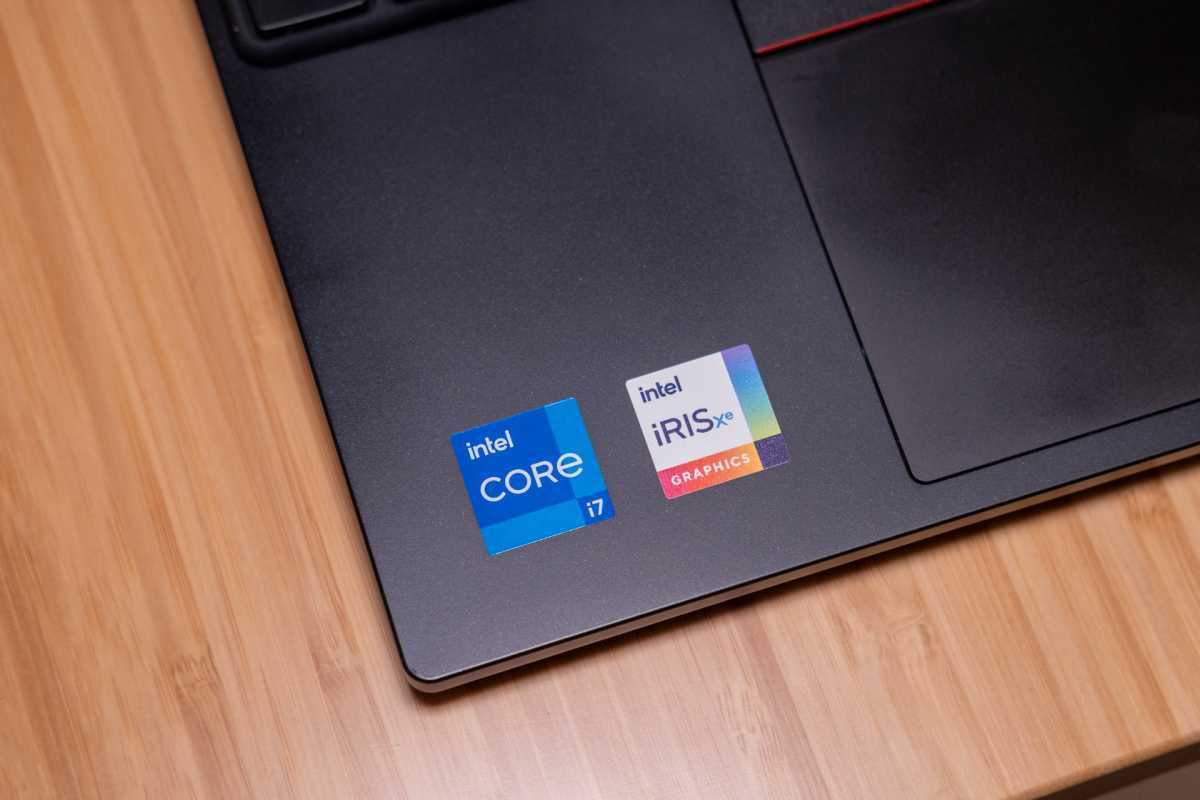
Let’s get one thing straight: you absolutely can use a work PC for gaming, but you’ll be severely limited in the games you can play and the settings you can play them at. Most work PCs don’t have dedicated graphics cards (which keeps their costs down), so playing games means leaning on the CPU’s integrated GPU.
Ryan Whitwam/IDG
The latest versions of these integrated GPUs are capable of entry-level gaming, and they’re getting better than ever. (Intel’s newest Panther Lake integrated Arc graphics show stunning results.) But most work PCs aren’t using the best and most recent processors—and even if you are, you’ll still be limited to 1080p at medium settings in the latest 3D games.
If you’re just looking to play lightweight indie games like Stardew Valley or older esports titles like League of Legends, you can likely play them on a work PC without much difficulty at adequate frame rates. But if you want to play anything more demanding, more modern, or more detailed, you’ll need to build a hybrid PC with that in mind.
Why can’t you use a gaming PC for work?
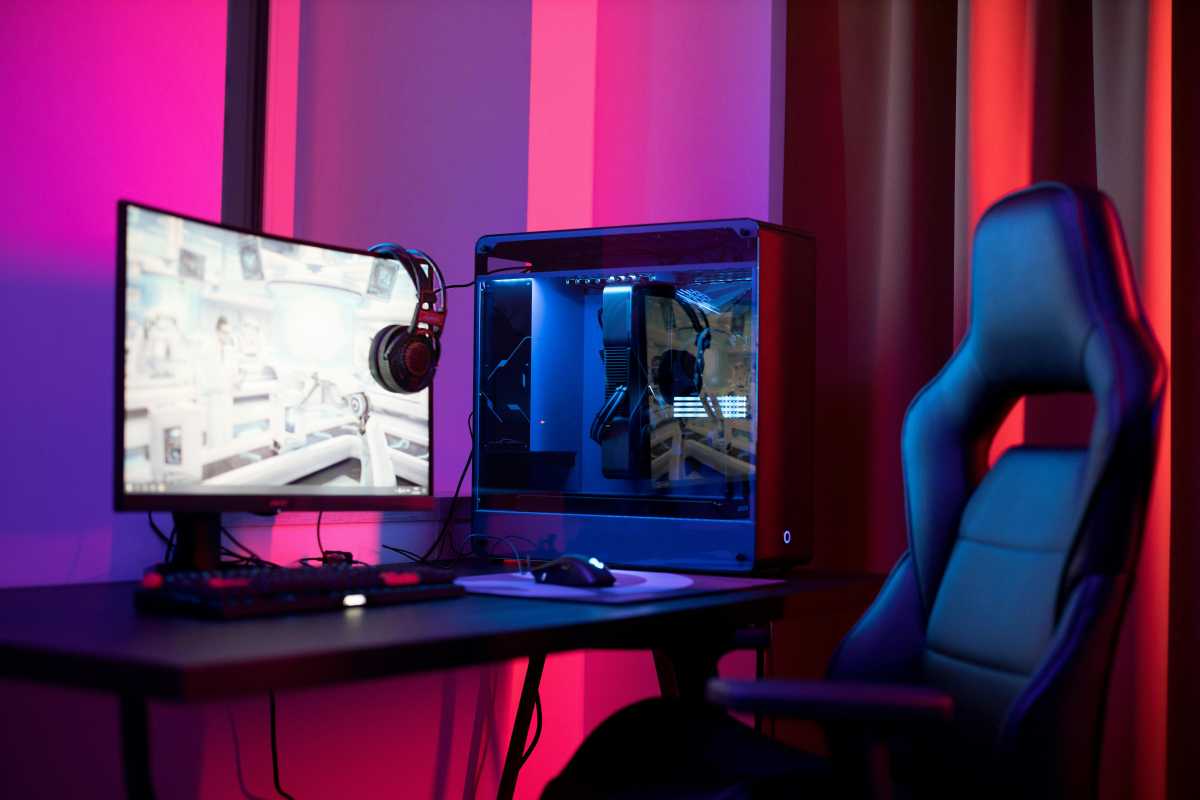
Since gaming PCs tend to be more powerful than basic work PCs, you can usually handle most workloads on gaming PCs without difficulty. If you’re just answering emails when you’re out of the office, any gaming PC will be more than sufficient.
Pexels: Ron Lach
But if you’re performing more demanding work tasks—like processing large data sets, transcoding video, any kind of 3D CAD work, or working with artificial intelligence models—you’ll need extra hardware that’s more capable than your average gaming PC.
If you want to enjoy a singular PC for both work and play, you need to take the demands of both use cases into account.
Tip 1: More CPU cores
Most gamers are still playing on PCs that have just four or six CPU cores. While those PCs are perfectly fine for gaming and lightweight office tasks, if you need to get some serious work done, you’ll want more.
Adam Patrick Murray / Foundry
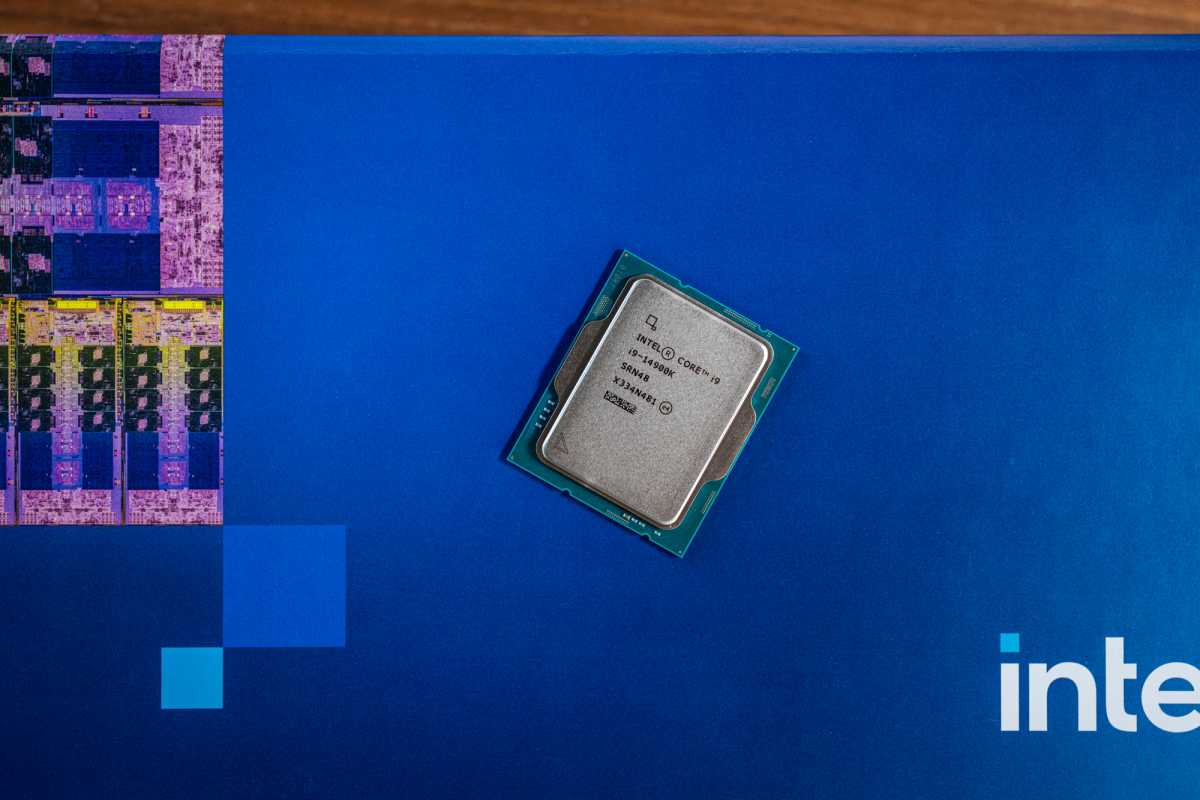
For a hybrid work-and-gaming PC that’ll be doing lots of multitasking day to day and perhaps a good chunk of demanding photo or video editing, you should pick a CPU with at least eight cores. Not only will it improve gaming performance, but it’ll give you more headroom for tasks that demand more multithread performance.
That said, if you’re working with large data sets, doing 3D design work, or developing and testing AI, then you might consider even better CPUs if you have the budget. The latest ones with 16 or even 24 cores can make a real difference in such professional applications.
Tip 2: 32GB RAM or more
With the ongoing memory shortage, the last thing anyone wants to be buying in 2026 is more memory. Hardware prices are going up everywhere and we don’t know when the pain will stop.
But if you want a high-performance PC for work and gaming, then you can’t skimp on RAM. The latest triple-A games demand 32GB of RAM as a recommended minimum, suggesting that more is even better—especially if you’re running other applications in the background, or streaming your games online while you play them.
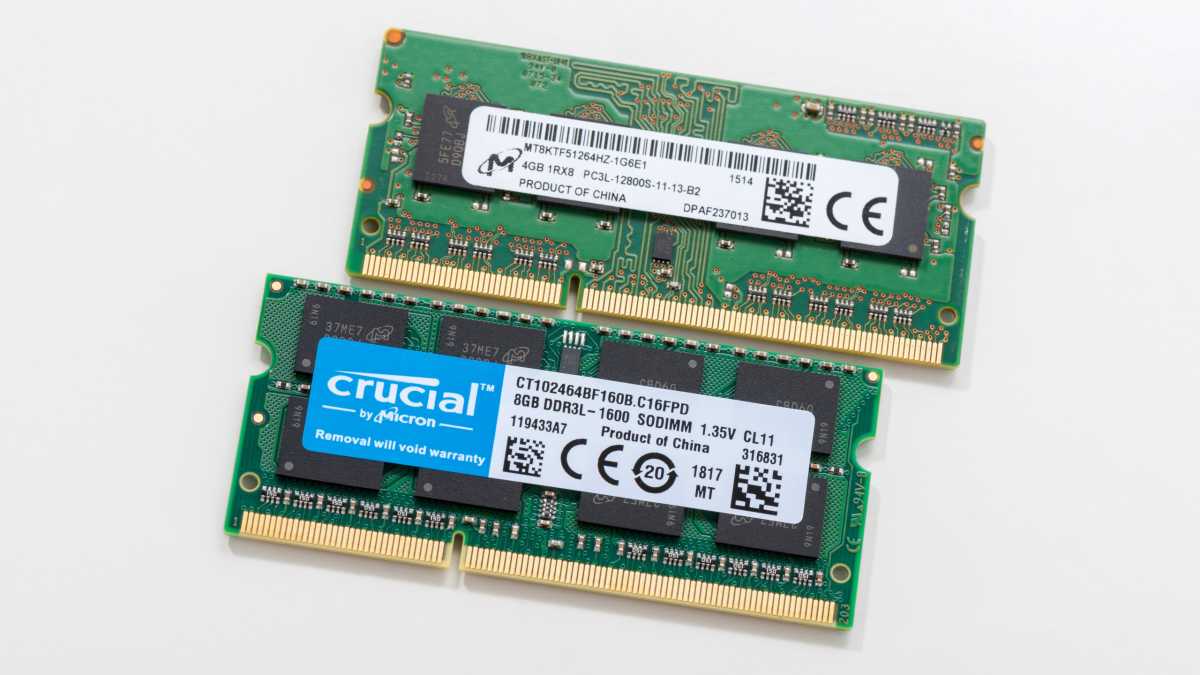
For professional workloads, all that extra memory will help. Video editing, working with large databases, and 3D design work can all benefit from 64GB of memory. For particularly large data sets or running large AI models, you may even want 128GB of memory.
Again, RAM is extremely expensive right now… but there are ways around it. Don’t underestimate the power of buying (or building) an older DDR4-based system with a Ryzen 5000 or Intel 12th/13th/14th-generation CPU. They aren’t cutting edge, but you can still get strong performance in gaming and work-related tasks while saving a good amount of money by buying older hardware designed for DDR4 RAM.
Tip 3: A decent graphics card
Although you can get by with an integrated GPU for lightweight indie games and older esports games, if you want to play anything modern at anything above 1080p and low graphics settings, you’ll want a dedicated graphics card. Ideally, a mid-range one.
The Nvidia RTX 5060 and AMD RX 9060 XT are strong starting points, but if you want to play at 1440p resolution or even 4K, you’ll want something more powerful—like the AMD RX 9070 XT or even a Nvidia RTX 5080 if your budget can stretch that far.
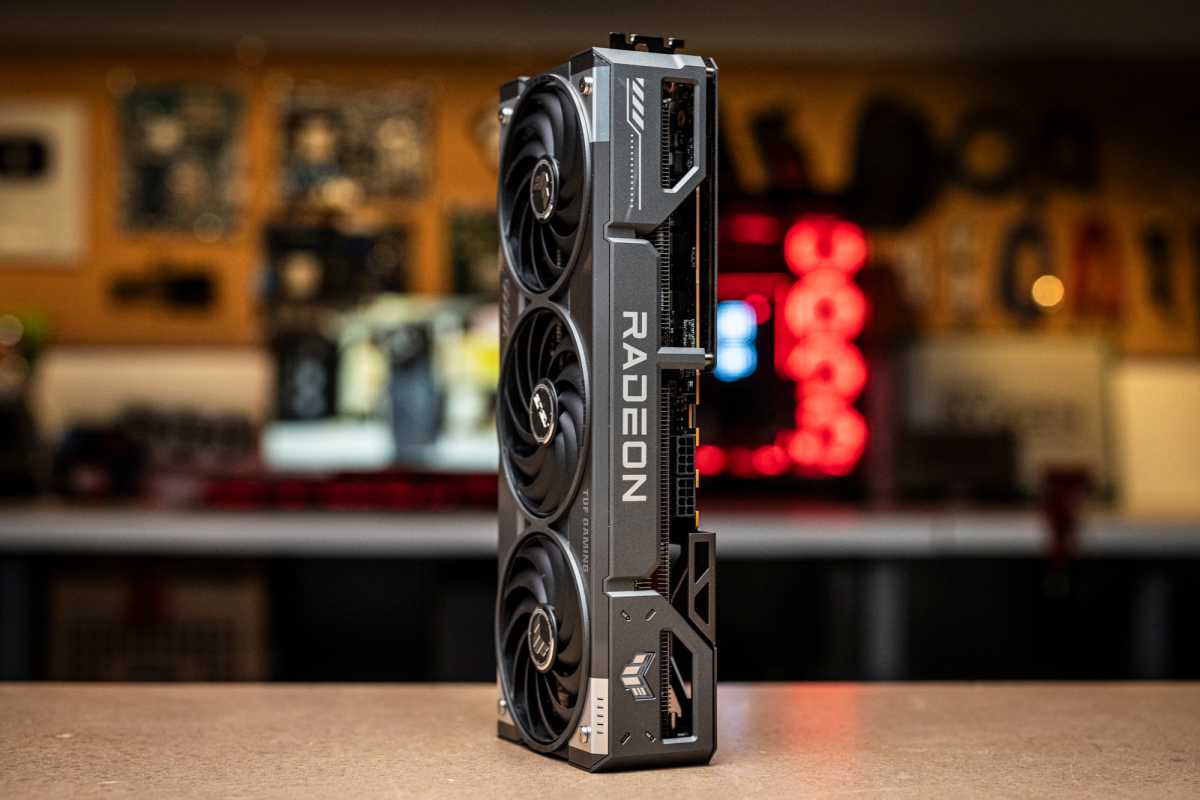
Adam Patrick Murray / Foundry
GPUs like this typically aren’t needed for office work, but it’ll save your bacon if you’re going to be handling any 3D effects work or running a large language AI model. After all, powerful GPUs with lots of VRAM still outperform NPUs when it comes to local AI tasks.
One last bit of advice for GPUs: don’t overspend on a top-end card if you don’t really need it. But don’t skimp, either. If you want to handle high-end gaming and/or professional tasks, you’re going to need it.
Tip 4: A high-end monitor
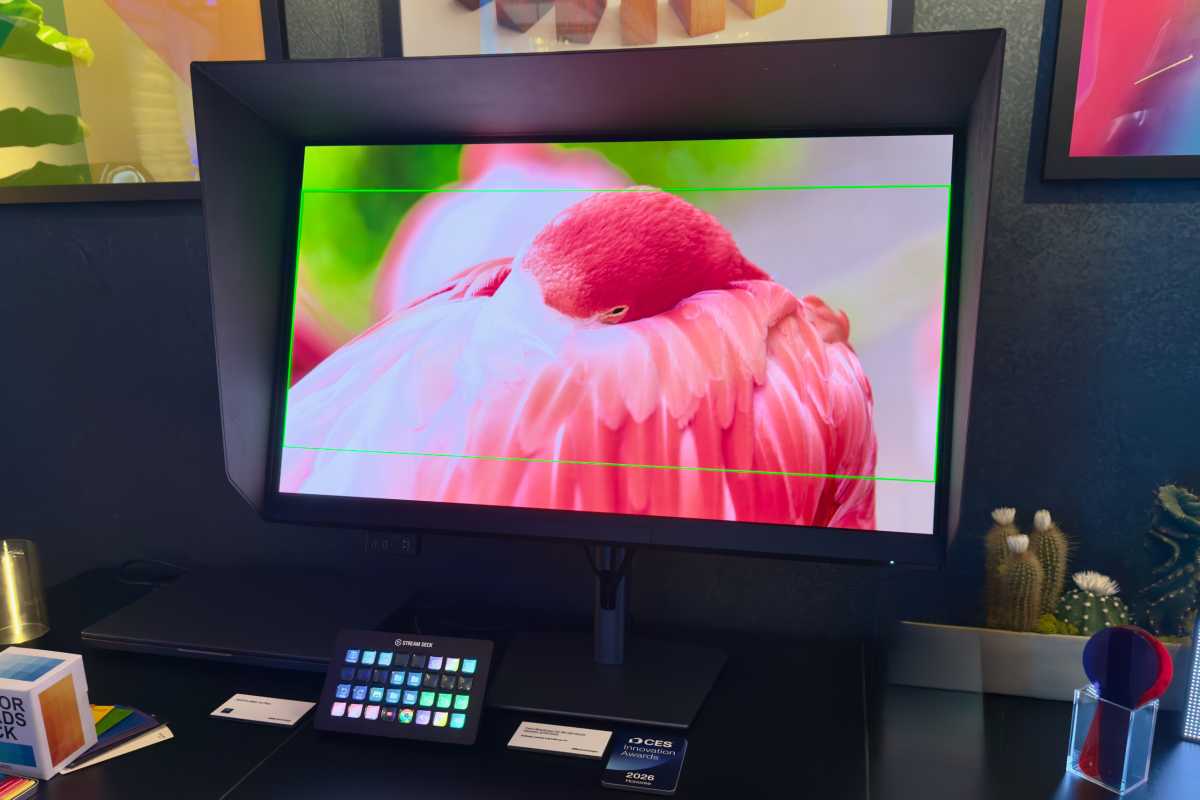
A good looking display makes a world of difference. You don’t necessarily need an OLED monitor for dealing with spreadsheets and PDF documents, but a larger 32-inch screen can make reading walls of text a lot easier. If you’re working with photos or videos, good color accuracy is essential. Displays with anti-reflective surfaces can make working in stark office lighting more comfortable on the eyes.
Matt Smith / Foundry
For gaming, you’ll want to consider higher refresh rates like 144Hz or 240Hz, plus higher resolutions like 1440p or 4K, depending on the graphics setting you’re targeting (based on what your GPU can handle and the games you’re playing). OLED is the reigning king for responsiveness and color vibrancy, but the latest Mini-LED VA and IPS monitors are almost as good (and more affordable).
Tip 5: At least 2TB of storage
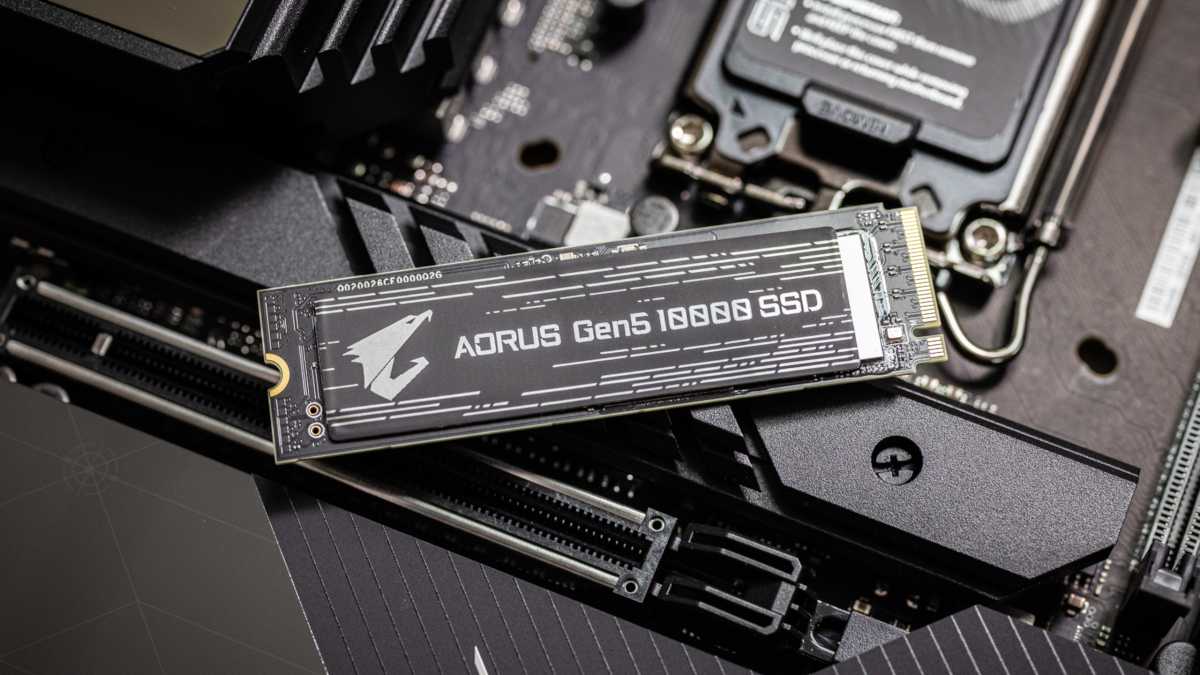
Most PCs sold for work come with just 512GB of storage, which is easily maxed out with just a handful of installed games. For gaming, get at least a 1TB SSD, but ideally 2TB if you plan to install multiple triple-A games. (The latest ones can easily take up over 100GB each.)
Adam Patrick Murray / Foundry
Most professional workloads don’t need as much storage space—unless you work with photos or video, in which case all that space can fill up in the blink of an eye. Don’t buy more storage than you need, of course. (An 8TB SSD is likely overkill.) But having some extra space for games and apps you might want to install down the line is always useful.
Tip 6: Aim for quiet cooling
A lot of gamers want maximum performance and so tune their cooling to be maximally efficient, often at the expense of noise levels. That may not be a huge issue if you’re gaming in headphones, but you’ll probably want a more serene experience while working.
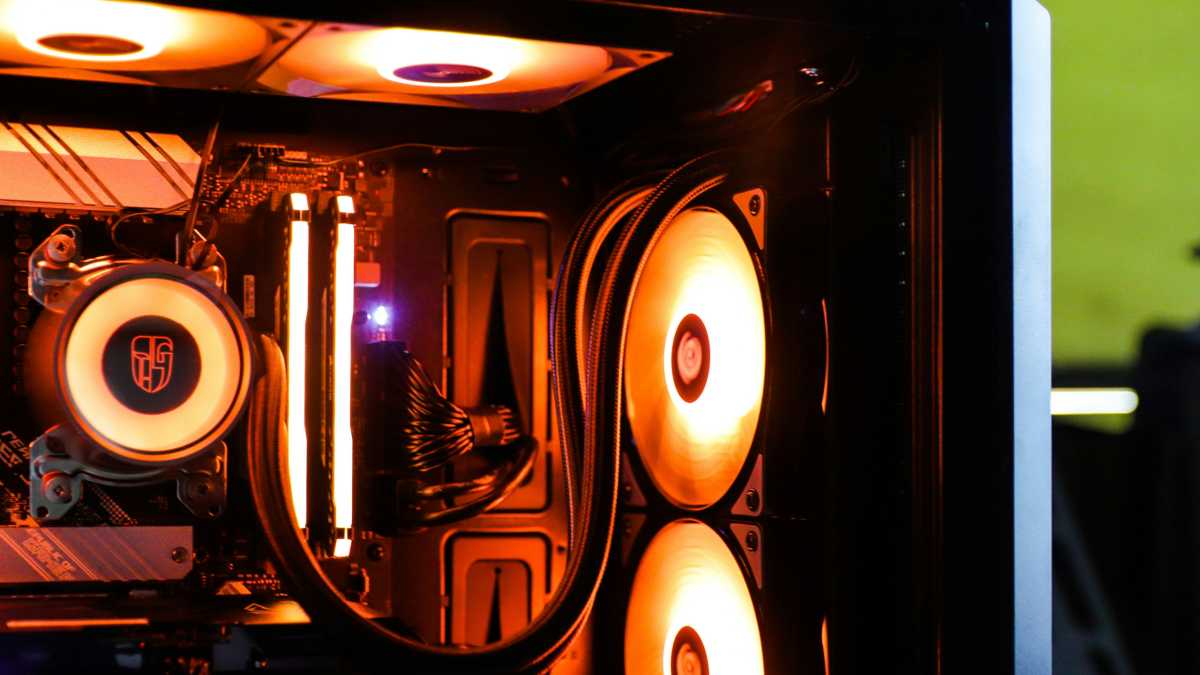
Hybrid work-and-gaming PCs need plentiful cooling for both CPU and GPU, but consider tuning the fan speed curve so you get decent performance without the excessive noise of high-speed fans. You might have to sacrifice a little top-end performance, but the overall experience should mean you aren’t frustrated while trying to focus.
Don’t forget your environment
The hybrid PC itself is the main thing you need to get right for your work-and-play needs, but don’t overlook your environment. If you’re converting an office space into one designed for gaming, you might want to equip it with lower-key lighting for a more relaxed vibe.
Furthermore, think about what your den might look like on a work Zoom call. Your ring light might be fine for conferencing, but the purple LED backlighting might not be the right mood for professionalism.
What I’m trying to say is: using the same machine and space for both work and play can make it harder to do one or the other at times, so put in the time and energy to set it up right. It’s well worth the effort.
This articles is written by : Fady Askharoun Samy Askharoun
All Rights Reserved to Amznusa www.amznusa.com
Why Amznusa?
AMZNUSA is a dynamic website that focuses on three primary categories: Technology, e-commerce and cryptocurrency news. It provides users with the latest updates and insights into online retail trends and the rapidly evolving world of digital currencies, helping visitors stay informed about both markets.
